

Brett – B/W
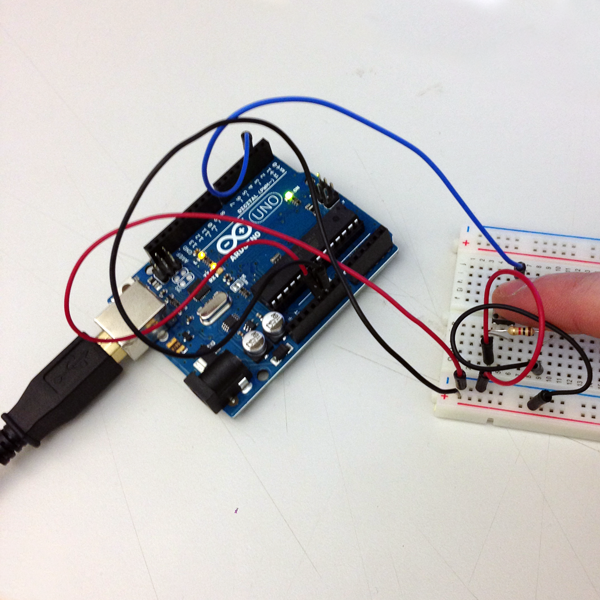

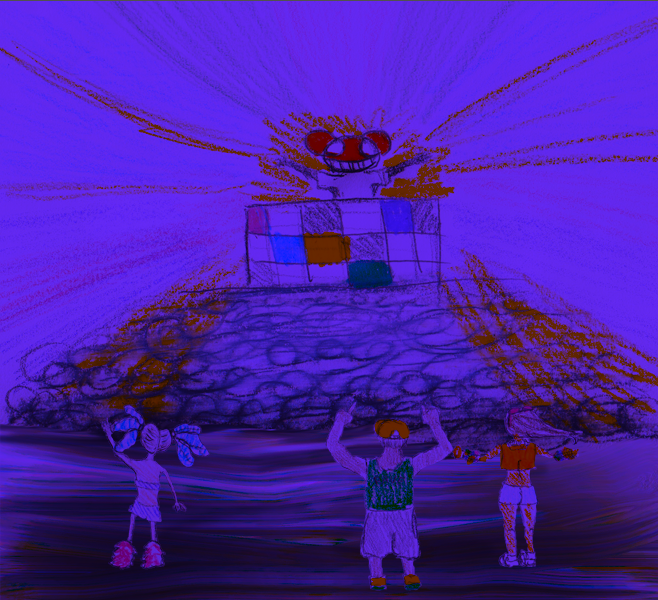
Secret Rave
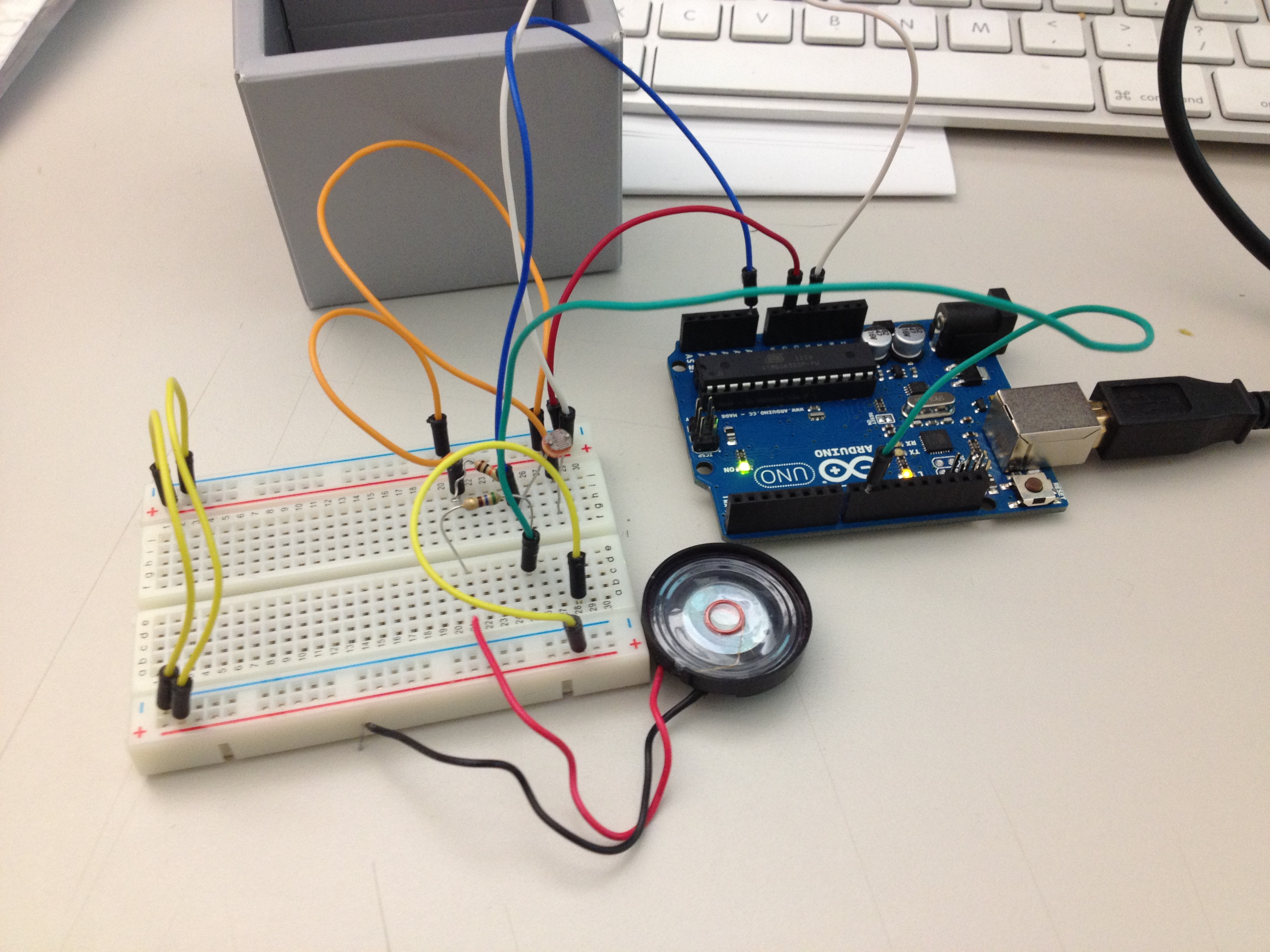
Ring the doorbell to enter the secret underground rave!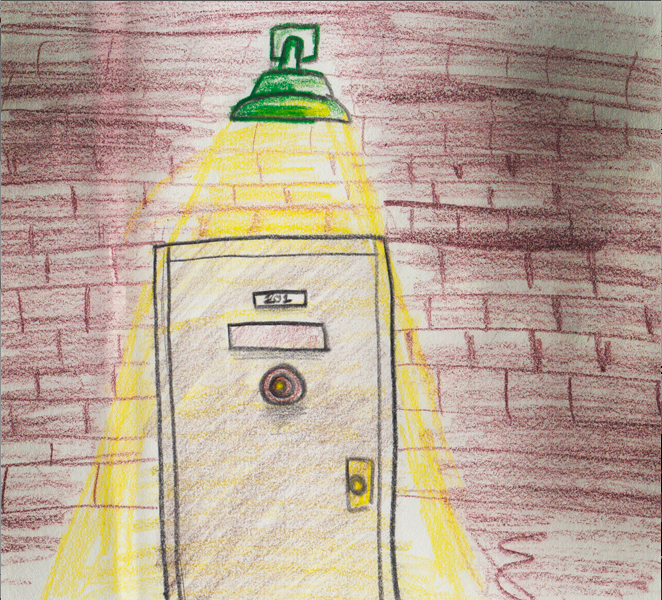
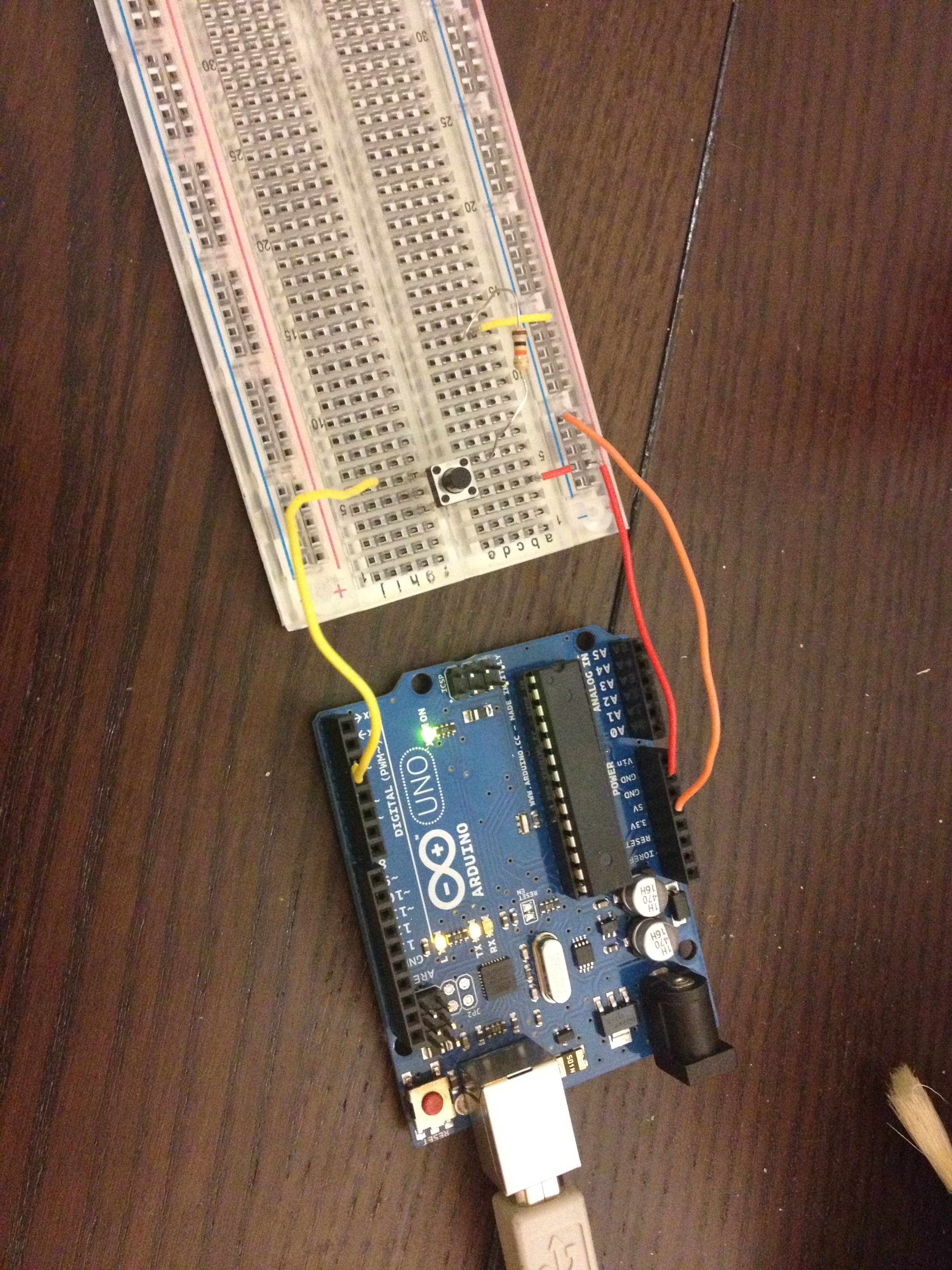
Arduino Final
Move the mouse along the squares to control which led lights up 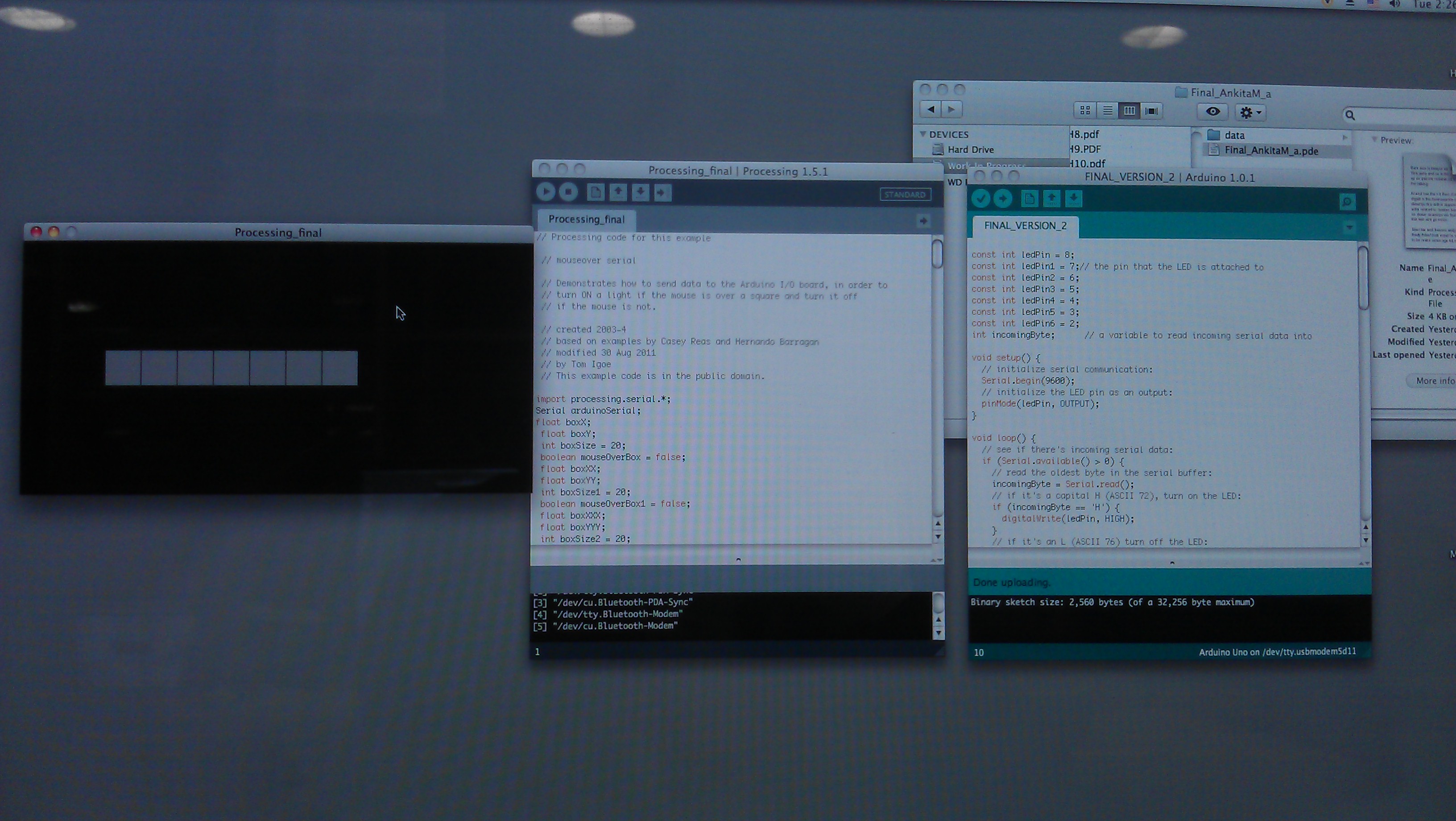
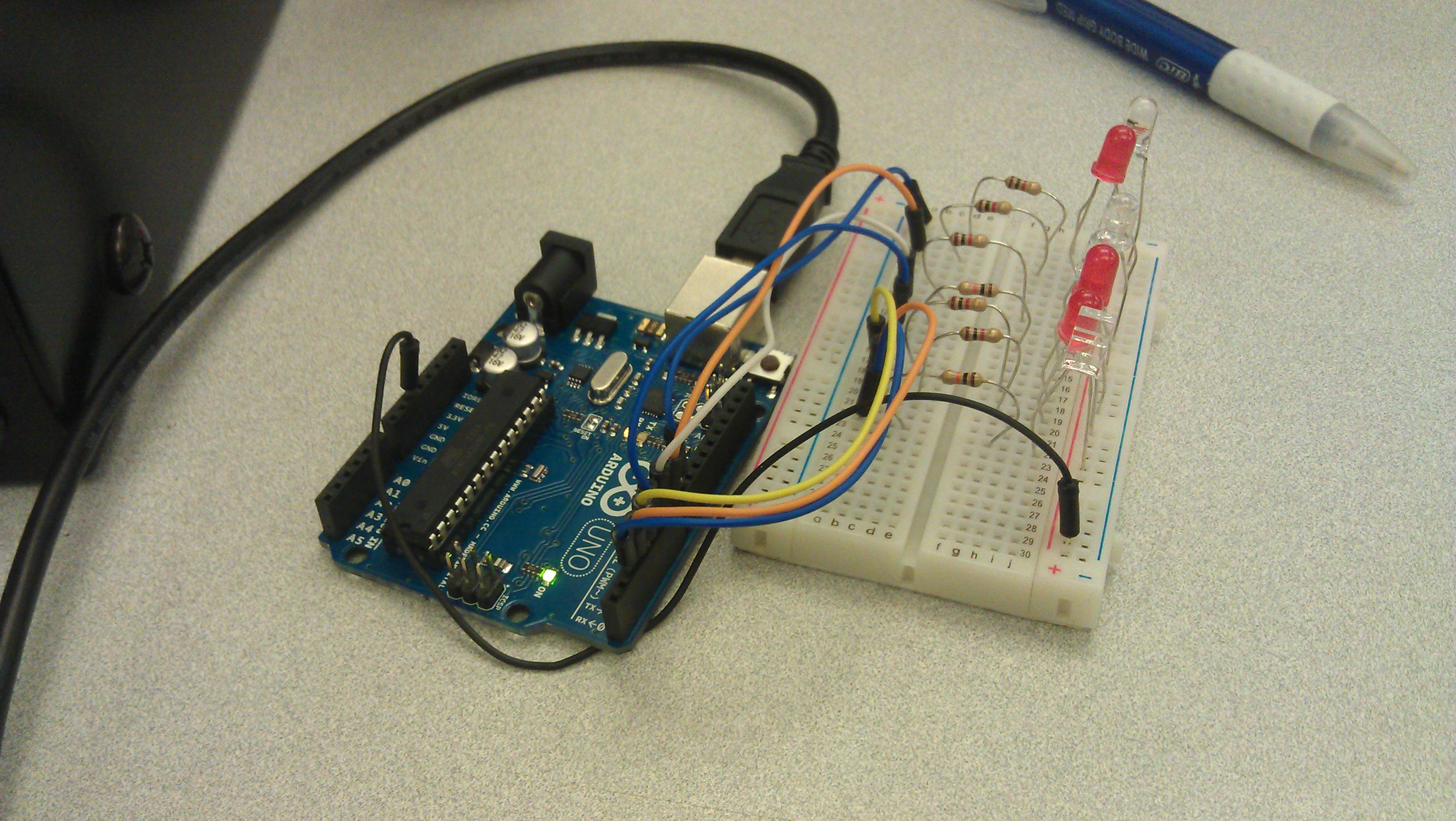
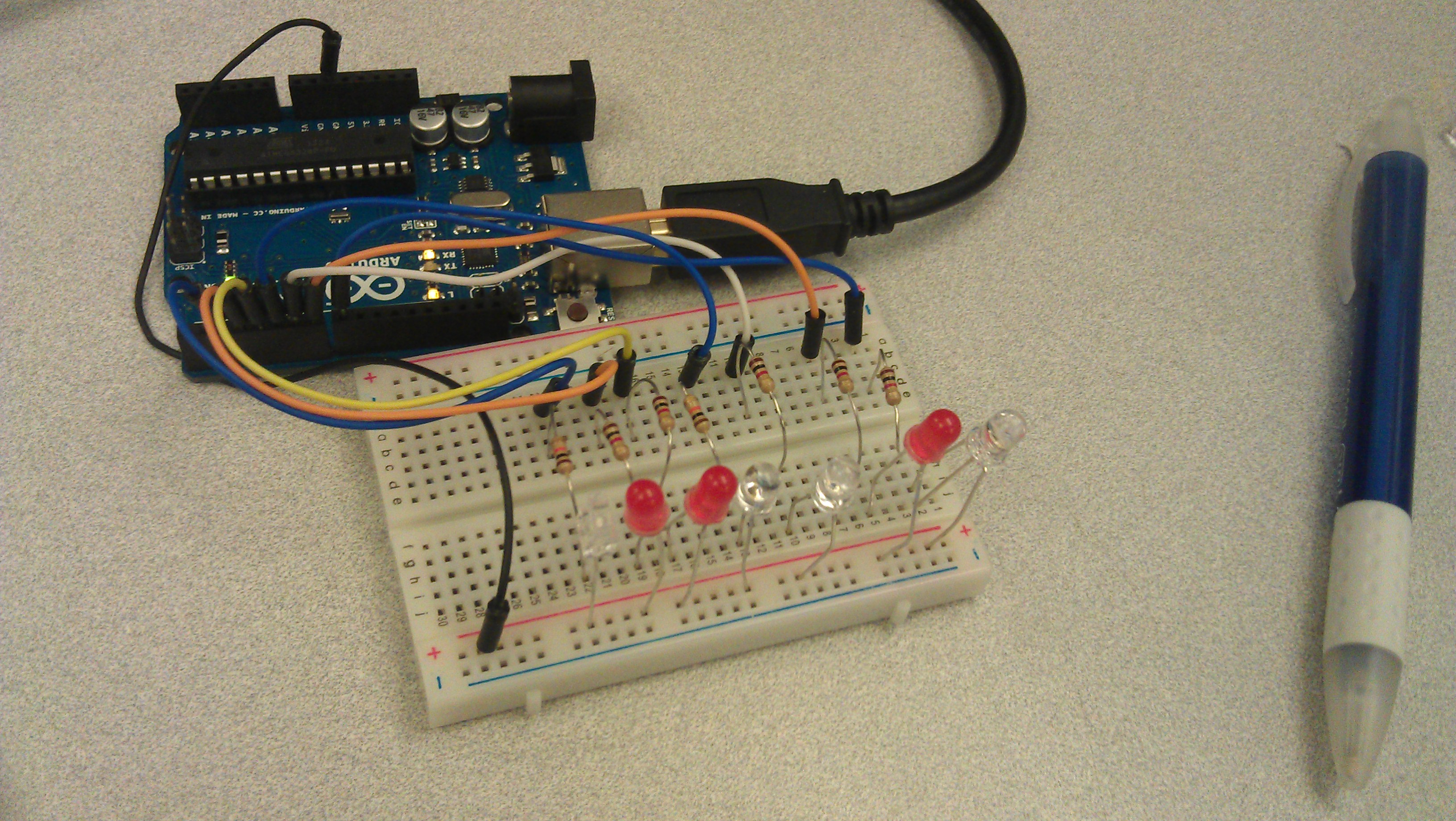
ITS ALIVE !!!!
Arduino Final
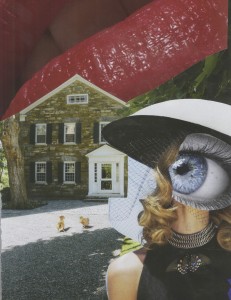
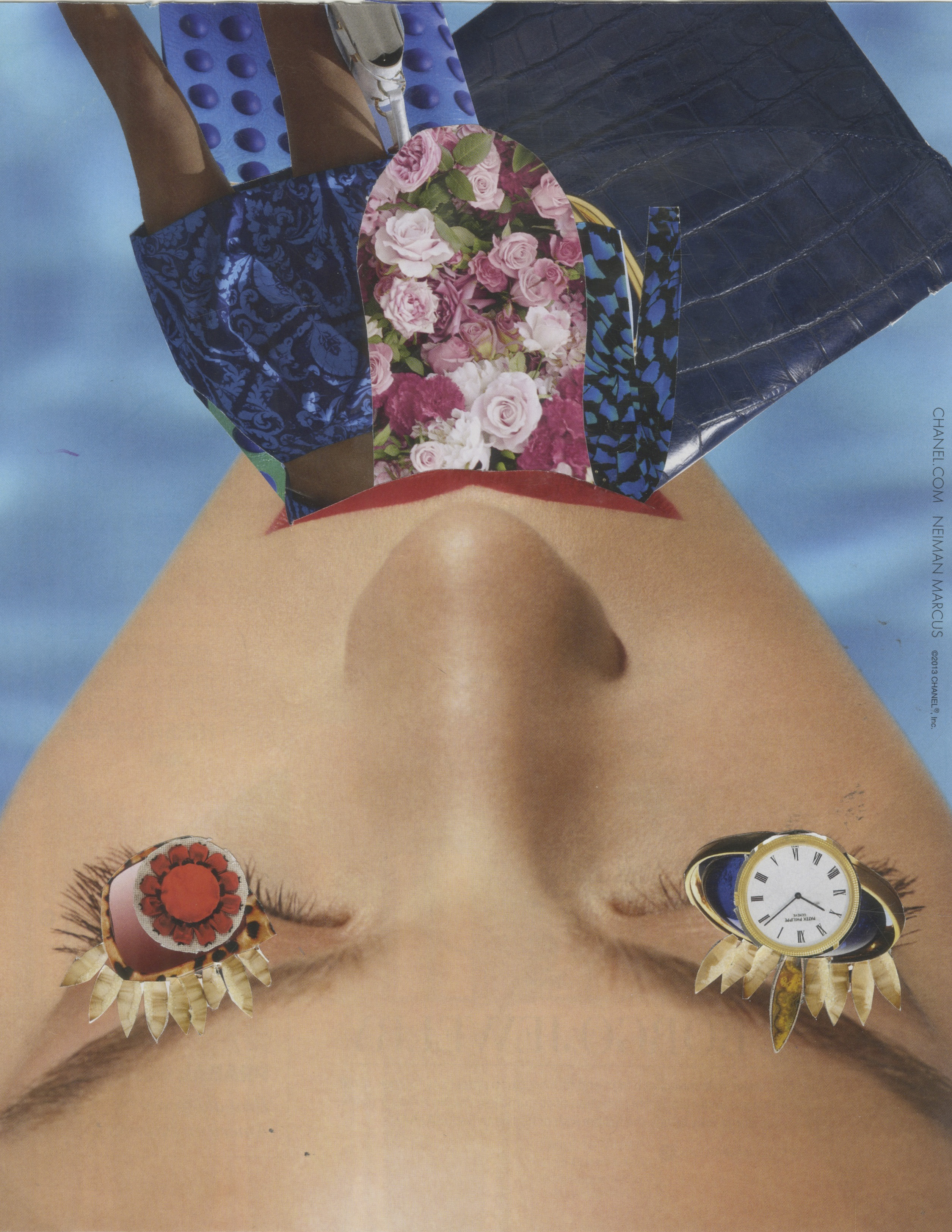
This code between Arduino and Processing will change an the collage image when he button on the bread board is clicked.
Final Project
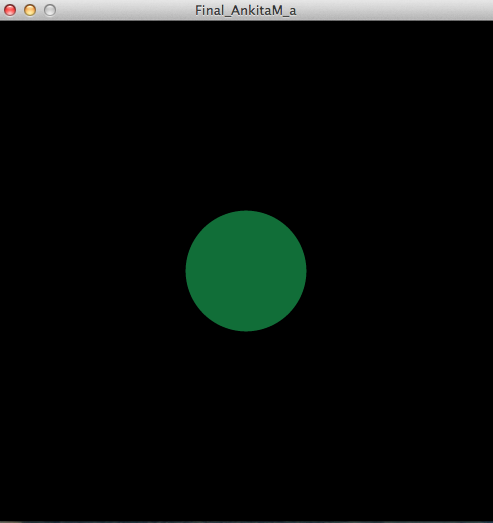
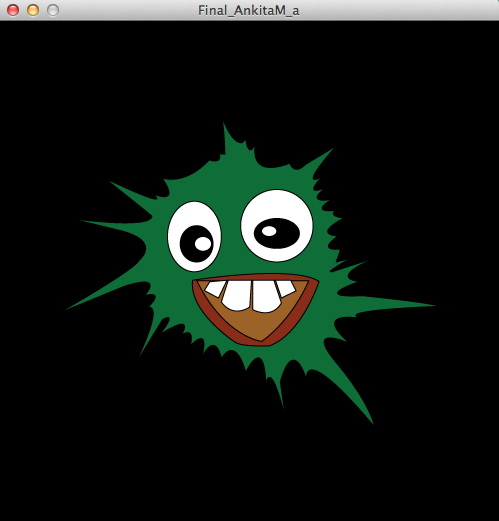
Every time you press the button, the ball ‘explodes’ into the green face. When the button isn’t pressed, the green face disappears, and the screen goes back to the original.
Code:
AmandaGoldstein_Final
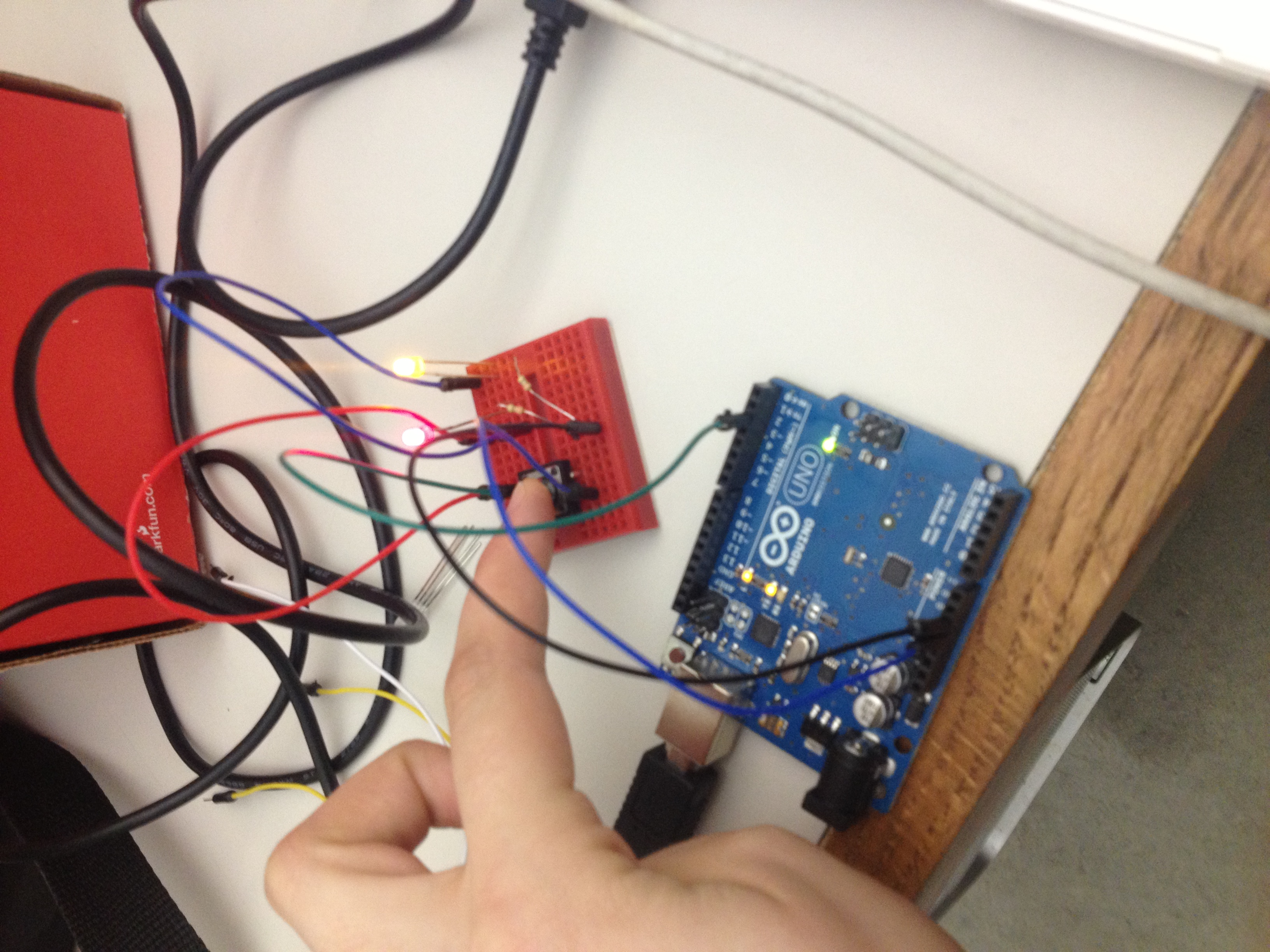
PART1:
When the button is pressed, the Arduino LED lights turn on but turn off when the button is not pressed .
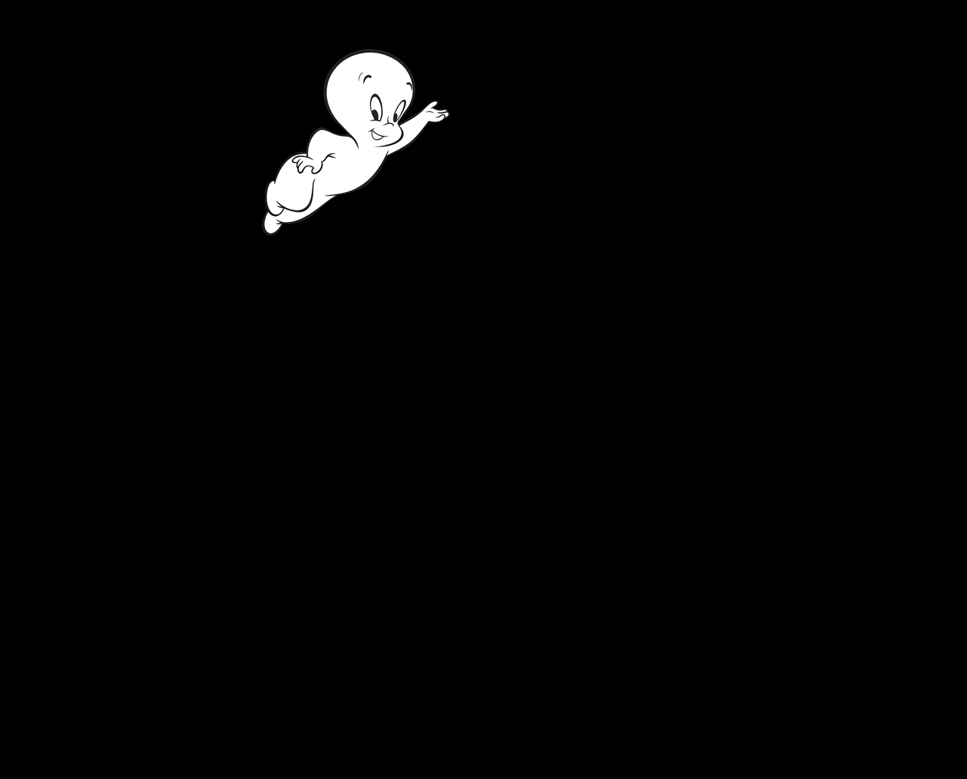
PART 2:
When the button is pressed, processing also draws casper in random places but disappears when the button is not pressed.
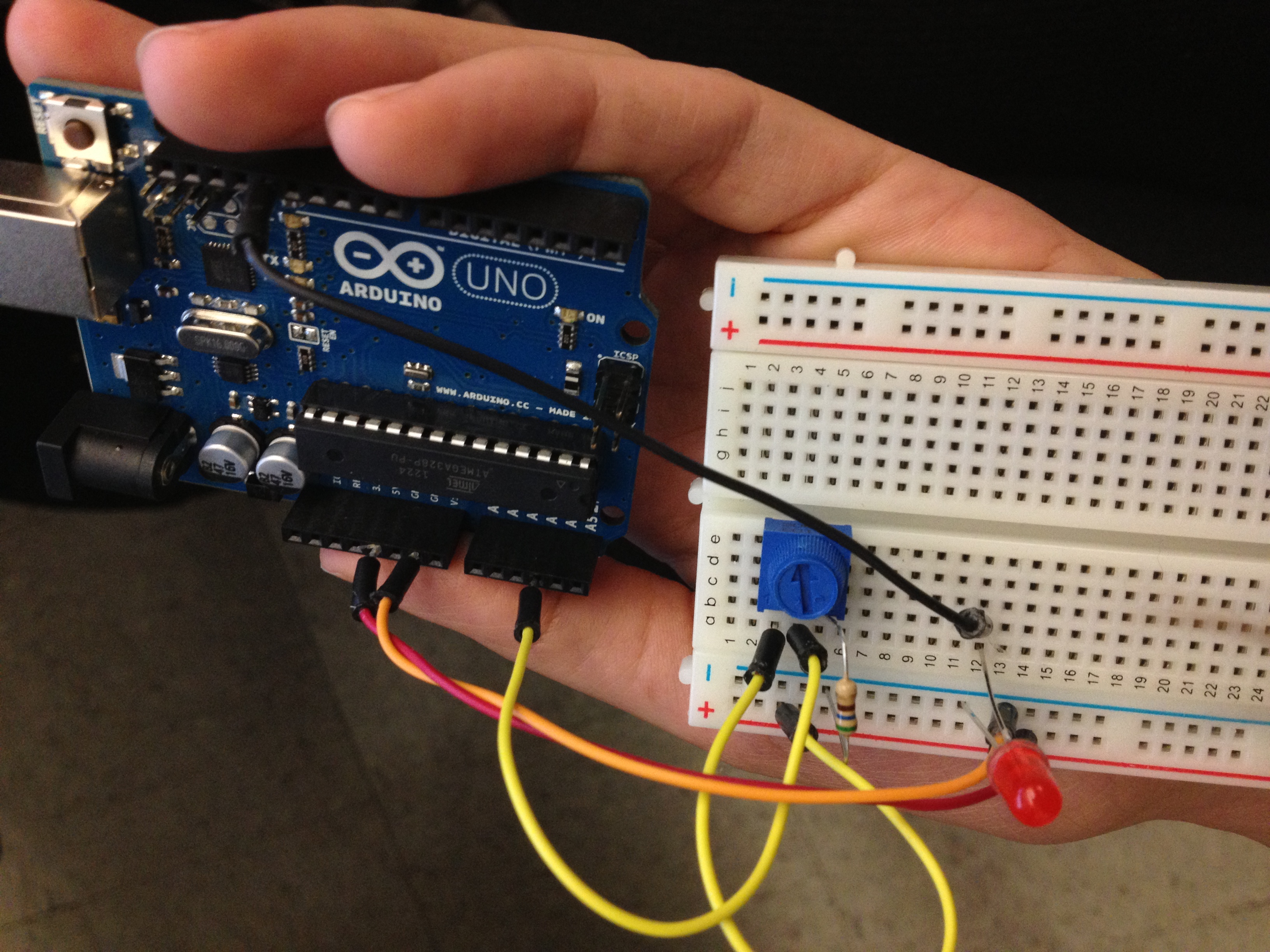
For my final project I chose to combine arduino and processing by creating an interactive sketch of casper the arduino ghost who appears when the button is pressed, the lights on the breadboard also turn on when it is pressed.
ZIP: finalproject
Lumina mid-term
Lumina
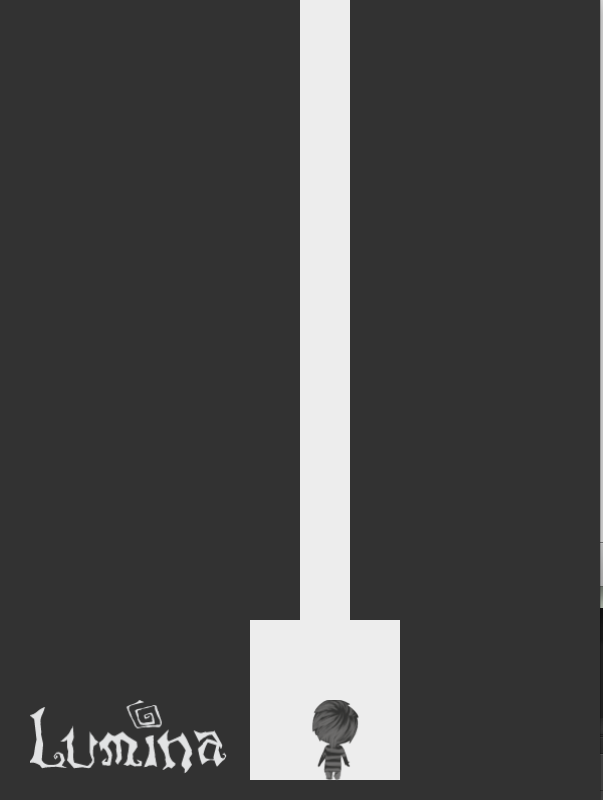
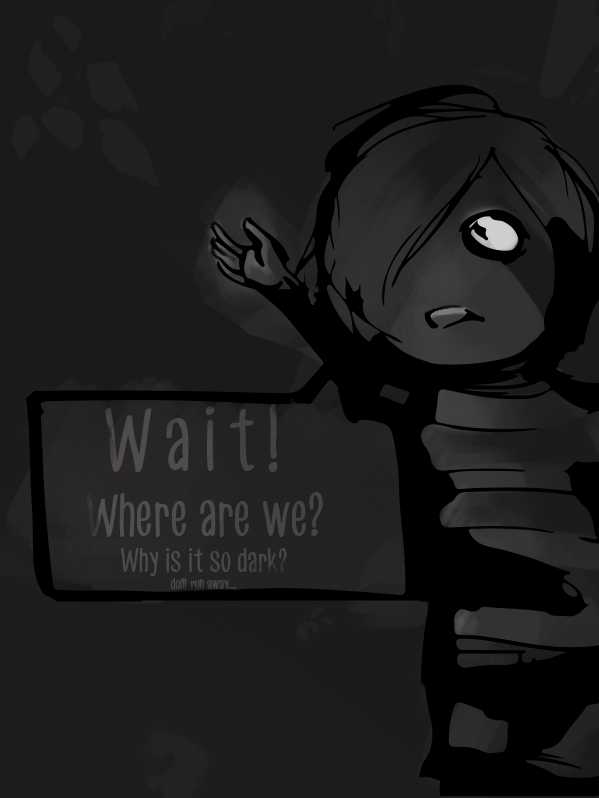
Lumina is an interactive processing sketch with game elements. This project is idealized to explore storytelling elements in game design. As the character, a lonly boy lost in a dark cave, tries to find his way out, he finds a being made out of light called Lumina. Their movement is connected in the game and the player have to solve a maze in order to meet Lumina at the end.
The entire game is composed with 4 screens, that will change causing the illusion that are actually more scenes than it appear. The role project was inspired in the inverse mouseX mechanics, where the player solves the puzzle but also guide the second character in the darkness. The main goal of the game is to meet Lumina at the end.
To make the maze collisions a color sampling was implemented, a invisible map was made colored in back and in white will tell where the mouse can move or where it can’t. Although the game is not as fast to have a fluid movement the collision works with the mouse.
Pattern Maker
This application simplifies the process of making patterns. Before starting, the user can choose between eight types of symmetry – eight way, four way, horizontal, vertical, etc – and no symmetry, for their pattern. Whatever is then drawn when the pattern maker is run will be reflected in whichever type of symmetry has been chosen on the homepage. The user can also choose between a grid and a brick-style layout for when their drawing becomes a pattern.
Once on the pattern making page, there is a magnifying glass that repeats the drawing as a pattern when clicked. The brush size and colour can be changed at any time, and the five previous brush colours as well as the background colour will be saved to a little palette under the main colour so they can be found again if necessary. In addition, there is a small preview box beneath that so one may see their drawing as a pattern while the draw. This way the user can more easily decide when their pattern is ready to be repeated and saved.
These features make creating a pattern easier because the user does not have to go through the tedious process of copying and rotating parts, or arranging them perfectly into a grid.
Video
Pattern Maker Video
Images
This is an example of the pattern maker in action, set to eight way symmetry.
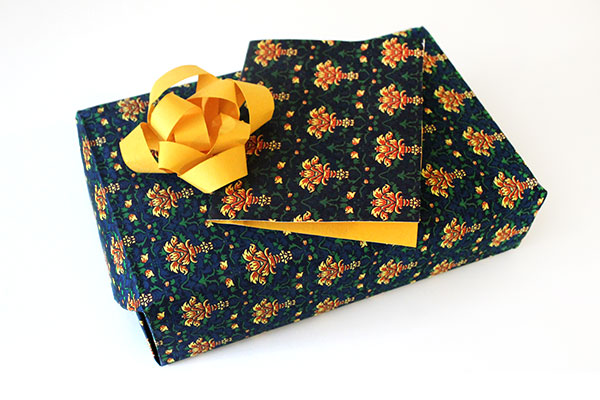
Wrapping paper and a matching card, using a pattern made with this pattern maker.

This is an example of the pattern maker in action, set to eight way symmetry.