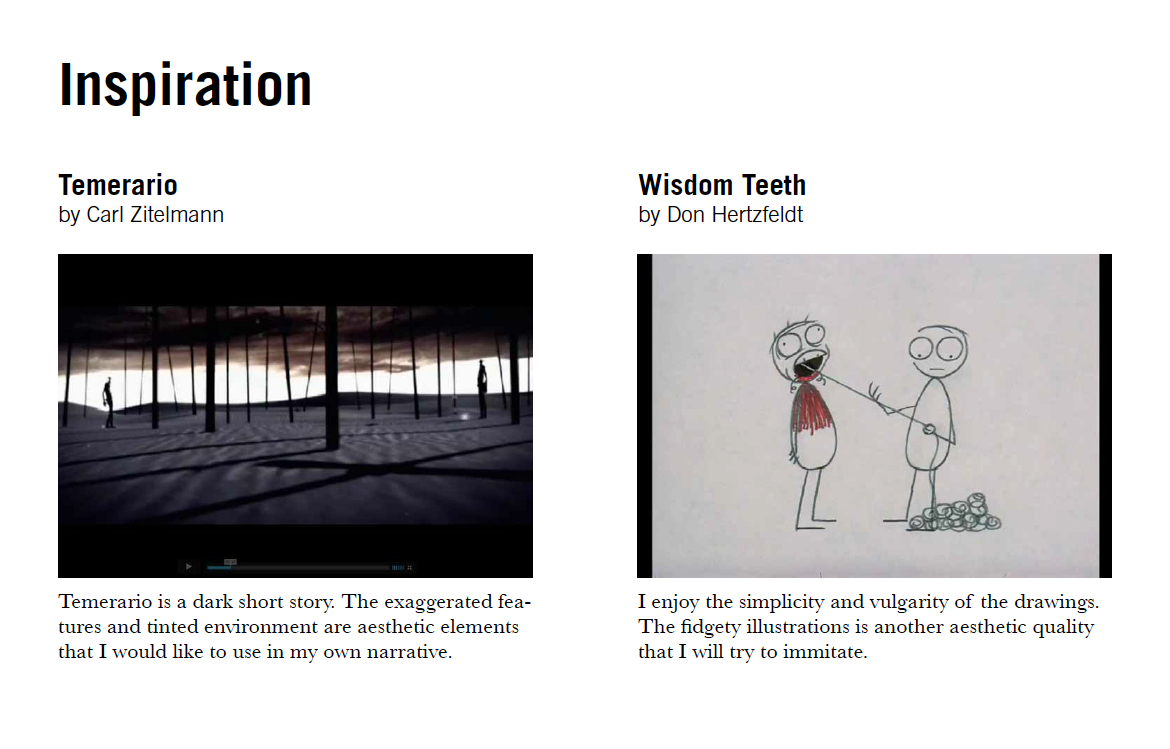
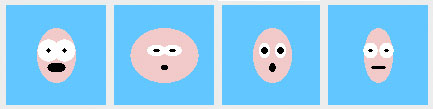
When button is pressed, two images are shown to give the impression of movement. When button is not pressed, a still image is drawn.
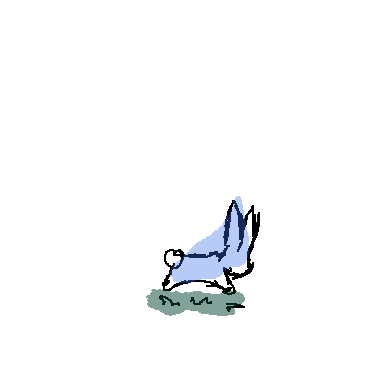

When button is pressed, two images are shown to give the impression of movement. When button is not pressed, a still image is drawn.
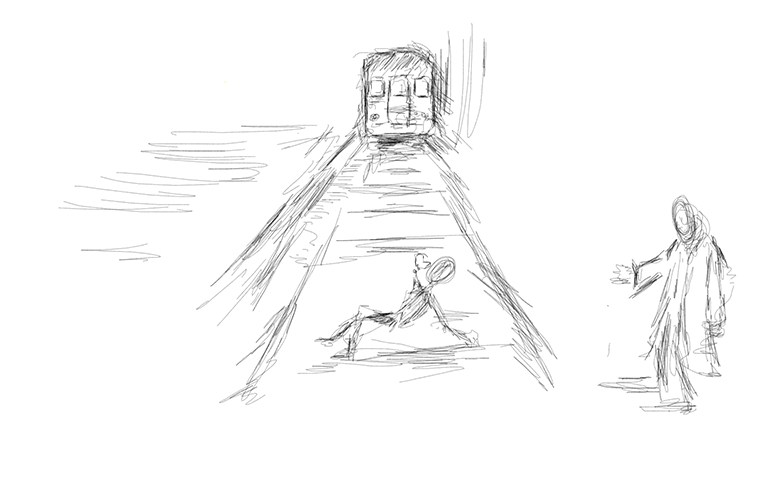
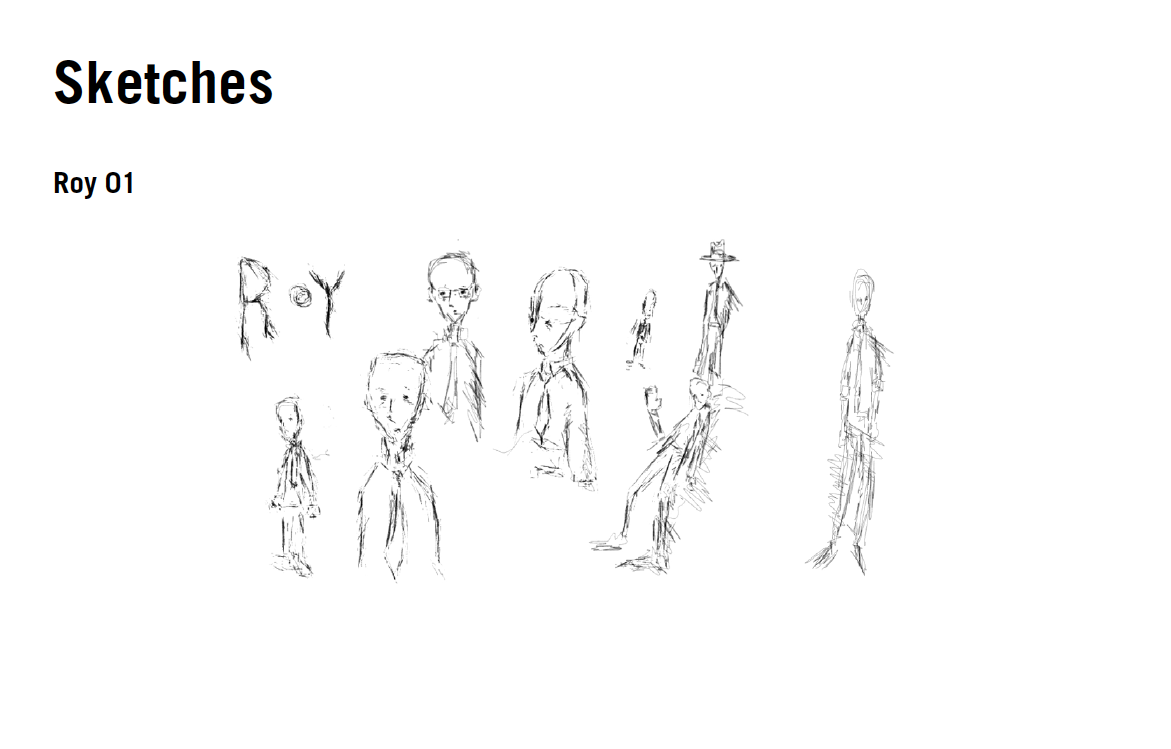
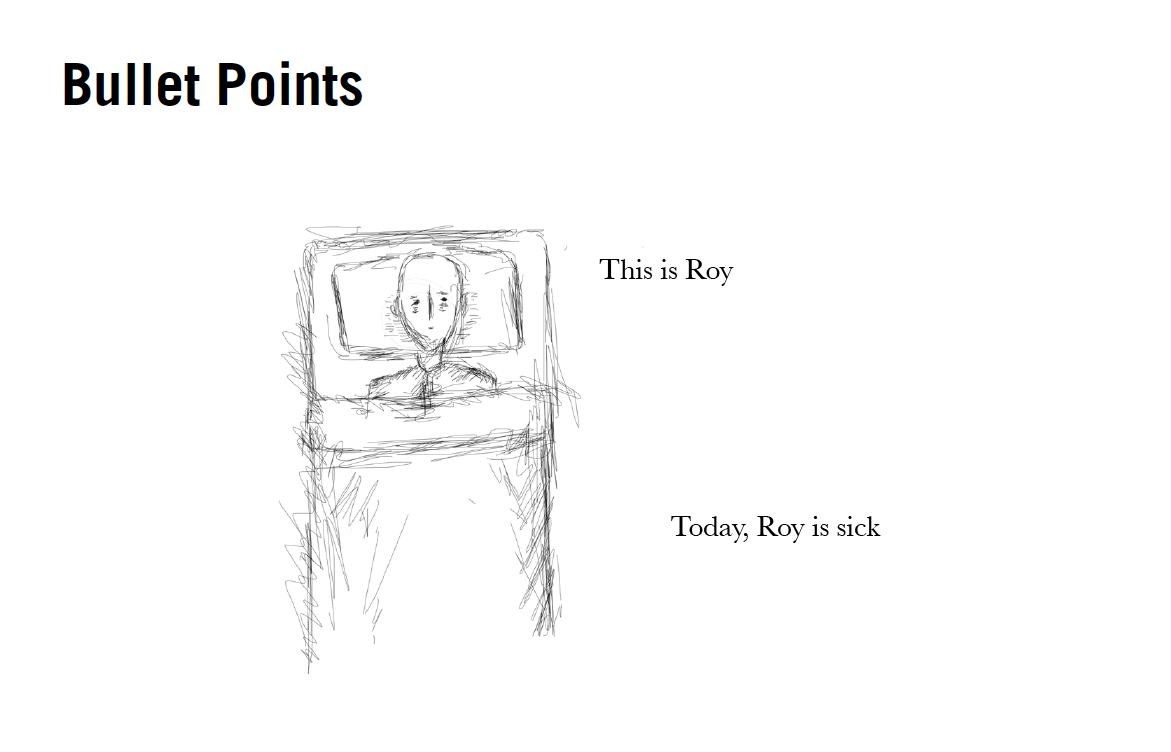
Roy is average and has a normal office job. This is a story of Roy’s simple day and how he unexpectedly saves a child’s life. The tone of the plot is not exciting; I wanted to keep it as bland as life can be. I drew these digitally and used only black and white allowing the viewer to focus more on what is happening. I aimed for an illustrative “sketchy” look because I felt it added to the emptiness of the compositions.The user does nothing more than progress the story.
Introduction
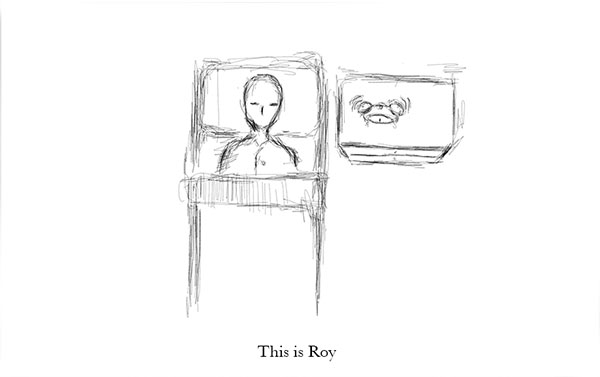 This is how the viewer is introduced to Roy. The ringing alarm is made of two images alternating at a certain frame rate – everything else in the composition remains static.
Resolution
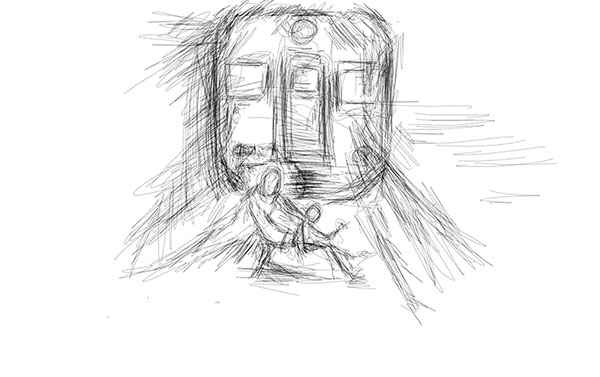 This scene is made of multiple looped images. Roy saves the boy’s life for his.
Click here for a quick demonstration.
My drawings aren’t exactly what I wanted, especially in the last scene, but it’s an easy fix.
The Tale of Peter Rabbit
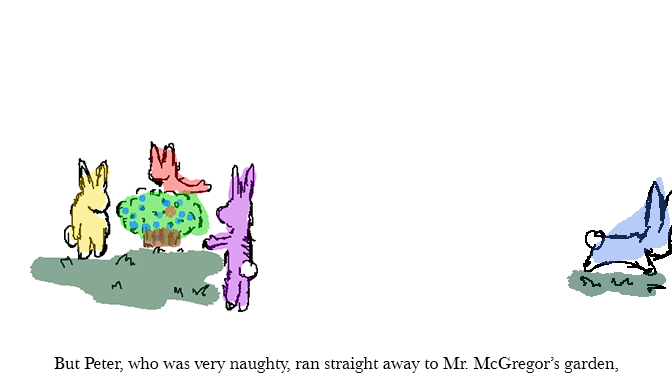
However, I didn’t get to do everything I wanted. First it took me forever to figure out how to use “if”s to alternate images of the blue bunny. Hopefully by class I’ll figure out how to use “mousePress” to freeze his current position and somehow loop him back in, because he just keeps on running off into space.
************************************
I figured it out, now. Click the mouse to slow him down. He also loops back so that the true/fase statement doesn’t keep running on.
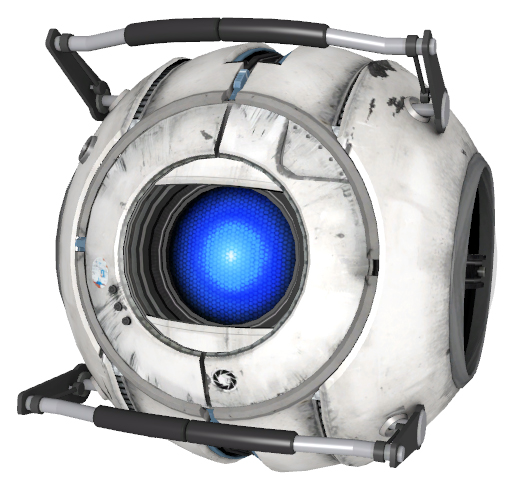
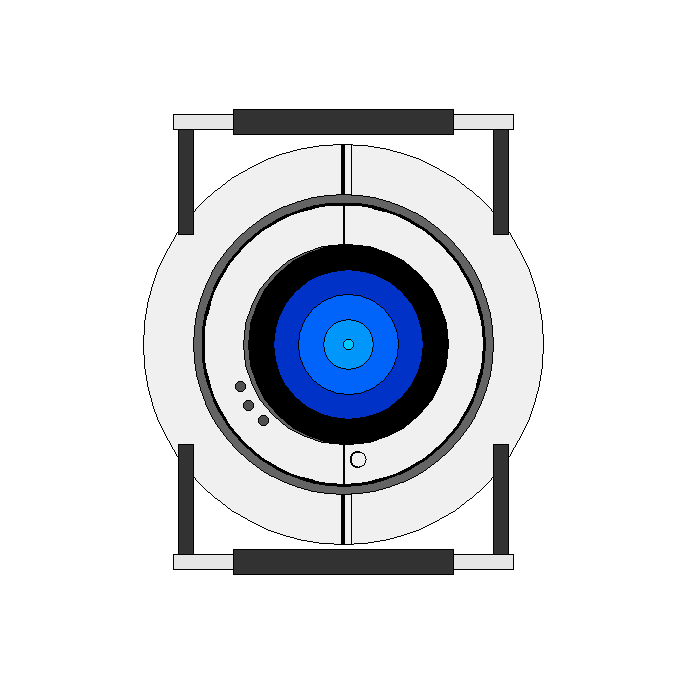
Turning On Wheatley
cyh_processing_wheatley_TurnOn
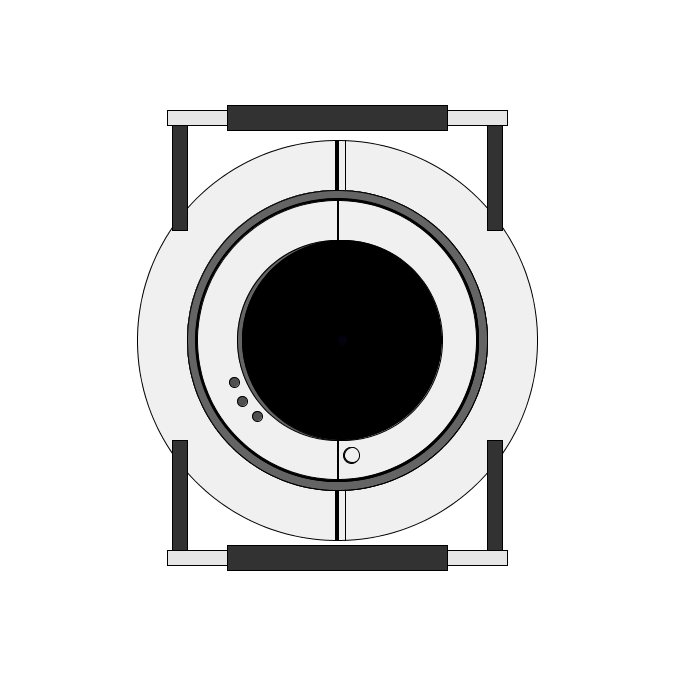
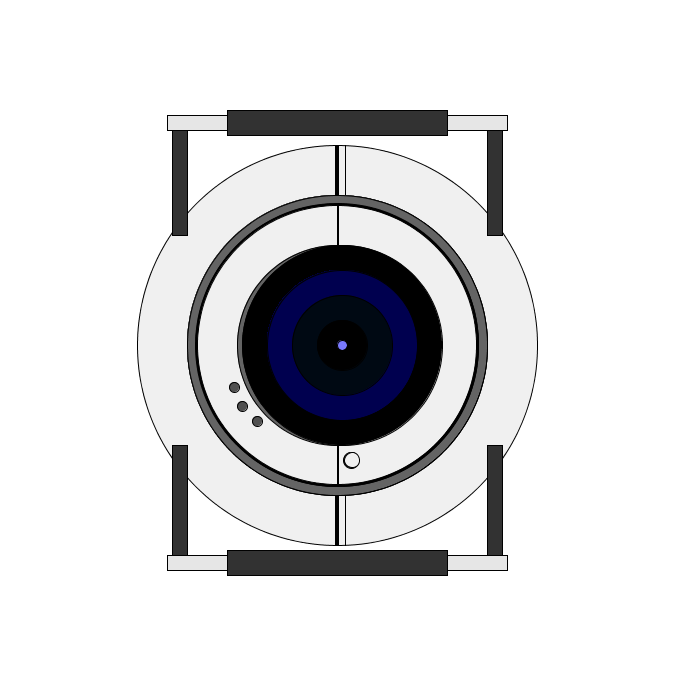
move mouse left to right, but slowly.
I didn’t get to do exactly what I wanted. I wanted him to have actual eyelids that also respond to the position of mouseX.
Eventually, I would make him respond to the mouse position with different facial expressions depending (red eyes=angry, green/orange=happy).
Inspiration: