This application simplifies the process of making patterns. Before starting, the user can choose between eight types of symmetry – eight way, four way, horizontal, vertical, etc – and no symmetry, for their pattern. Whatever is then drawn when the pattern maker is run will be reflected in whichever type of symmetry has been chosen on the homepage. The user can also choose between a grid and a brick-style layout for when their drawing becomes a pattern.
Once on the pattern making page, there is a magnifying glass that repeats the drawing as a pattern when clicked. The brush size and colour can be changed at any time, and the five previous brush colours as well as the background colour will be saved to a little palette under the main colour so they can be found again if necessary. In addition, there is a small preview box beneath that so one may see their drawing as a pattern while the draw. This way the user can more easily decide when their pattern is ready to be repeated and saved.
These features make creating a pattern easier because the user does not have to go through the tedious process of copying and rotating parts, or arranging them perfectly into a grid.
Video
Pattern Maker Video
Images
This is an example of the pattern maker in action, set to eight way symmetry.
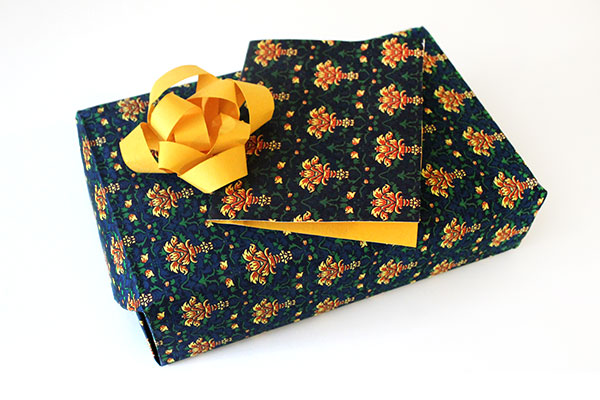
Wrapping paper and a matching card, using a pattern made with this pattern maker.

This is an example of the pattern maker in action, set to eight way symmetry.