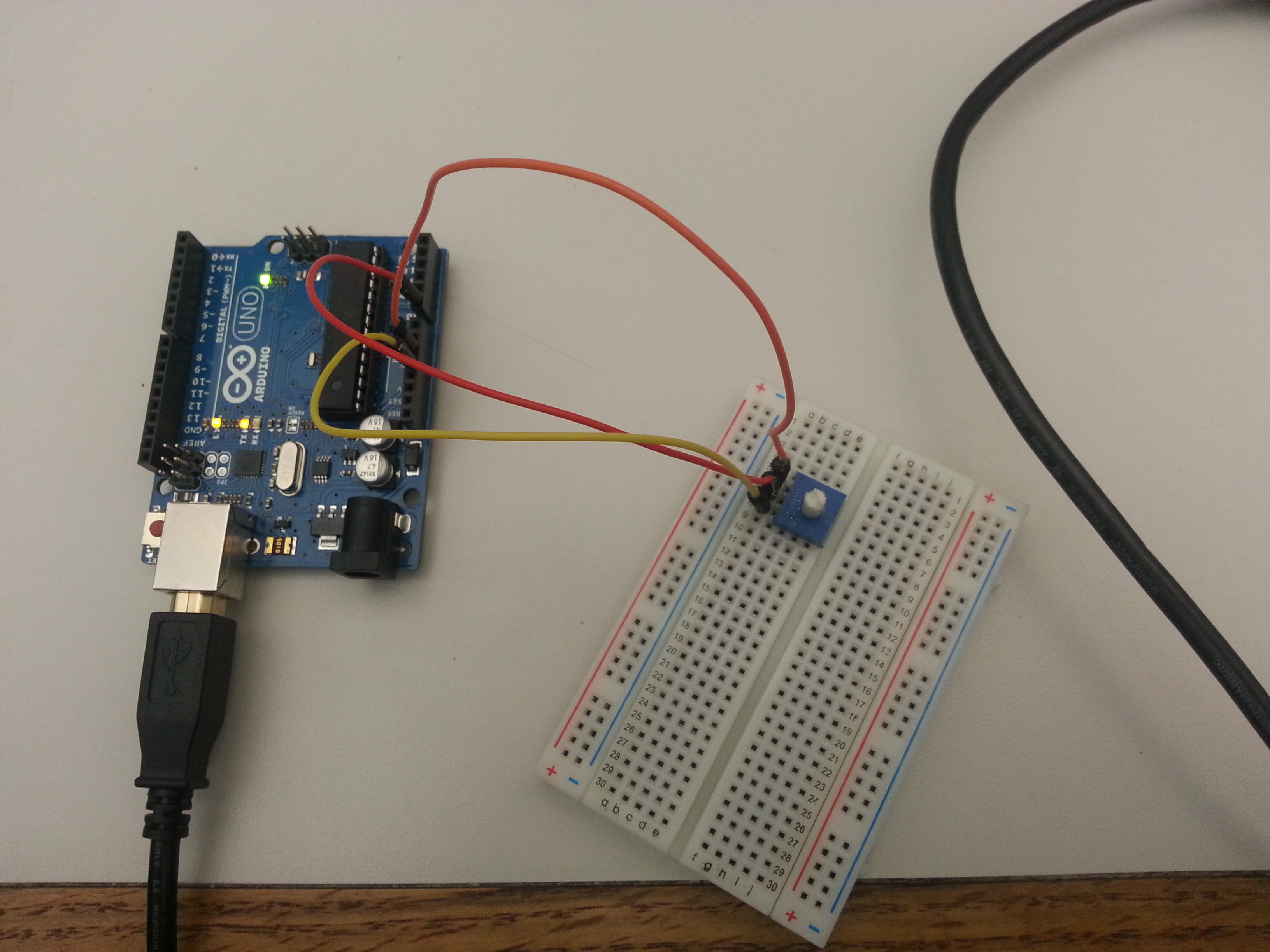
I made a tool where a user can gradually make a bigger or a smaller mosaic image by using a potentiometer.
Author Archives: Byungwook Yoon

Ethan’s Midterm Project Post
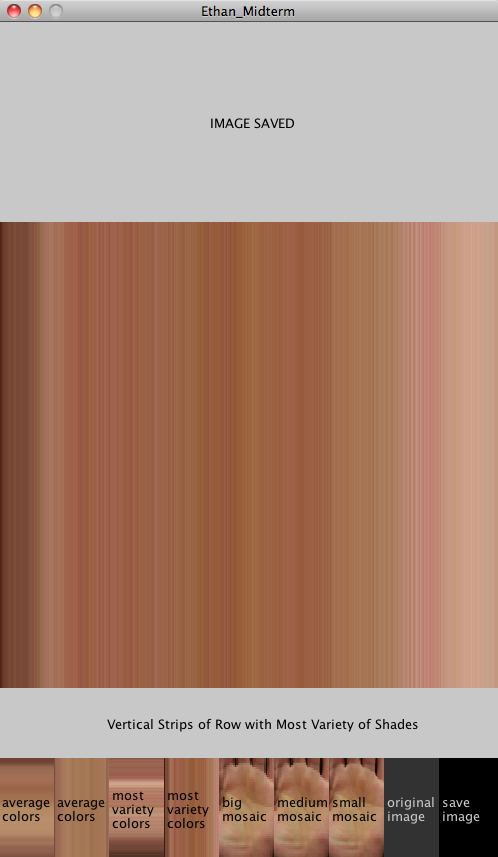
Image Manipulator Tool
As a photographer that continuously tries to expand the boundaries of the field, I am always exploring ways to collaborate different mediums with photography. This image manipulation tool will incorporate programming with photography. This tool is used to manipulate a photograph in seven different methods and to use these manipulated images for digital collages on Photoshop. The seven different manipulations are as follows:
- Draws horizontal strips of lines along each row with the average color of the row.
- Draws vertical strips of lines along each column with the average color of each column.
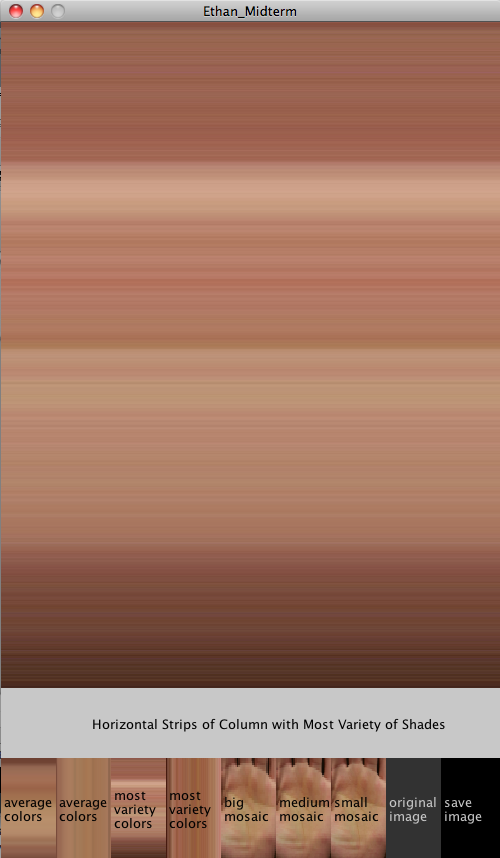
- Draws horizontal strips of lines with colors from the column of the image with the most variety of shades.
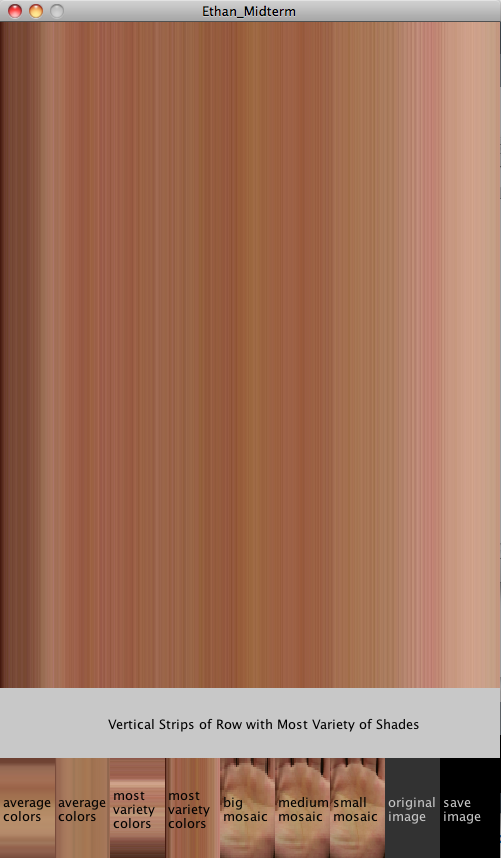
- Draws vertical strips of lines with colors from the row of the image with the most variety of shades.
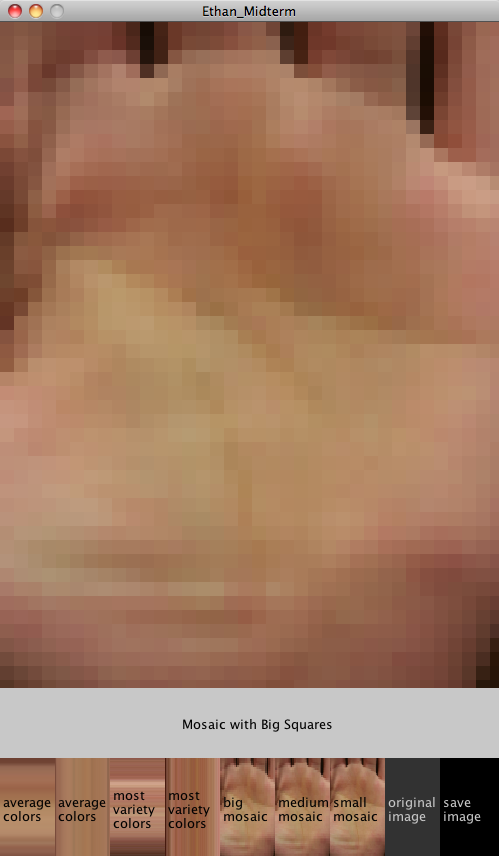
- Draws the image with big mosaic boxes.
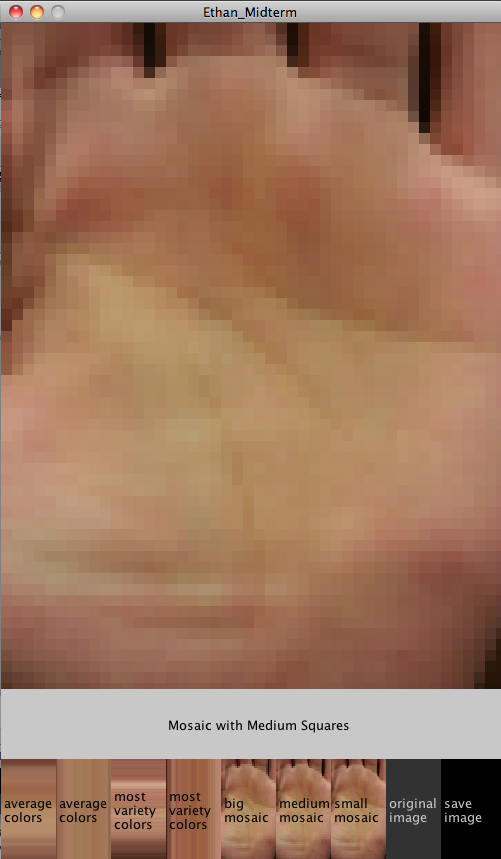
- Draws the image with medium sized mosaic boxes.
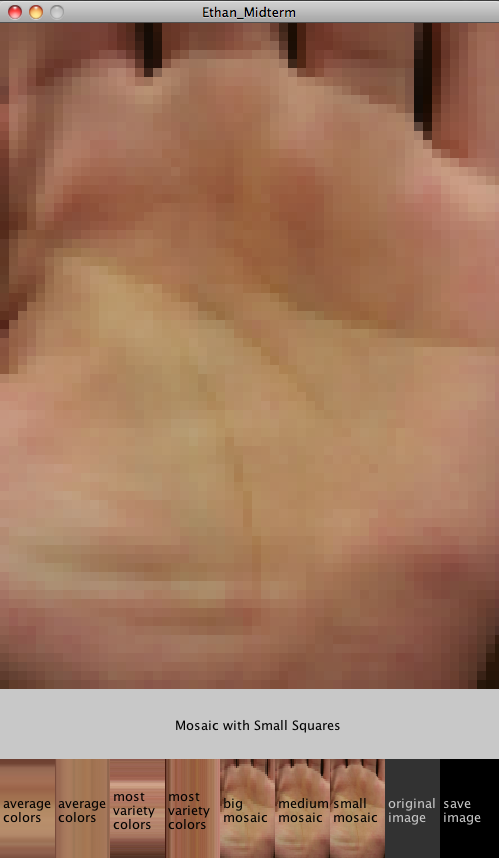
- Draws the image with small sized mosaic boxes.
Then the user can save the manipulated images as individual image files (TIFF) by clicking on the save button. The images will be saved with logical identifiable names.
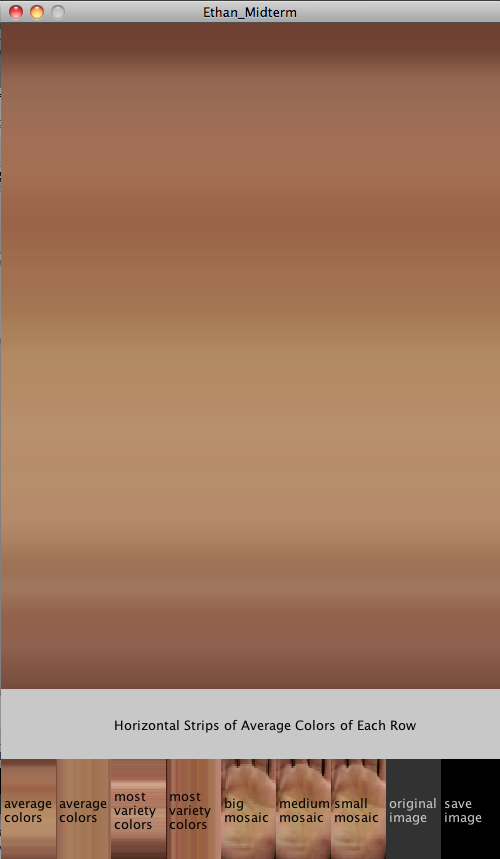
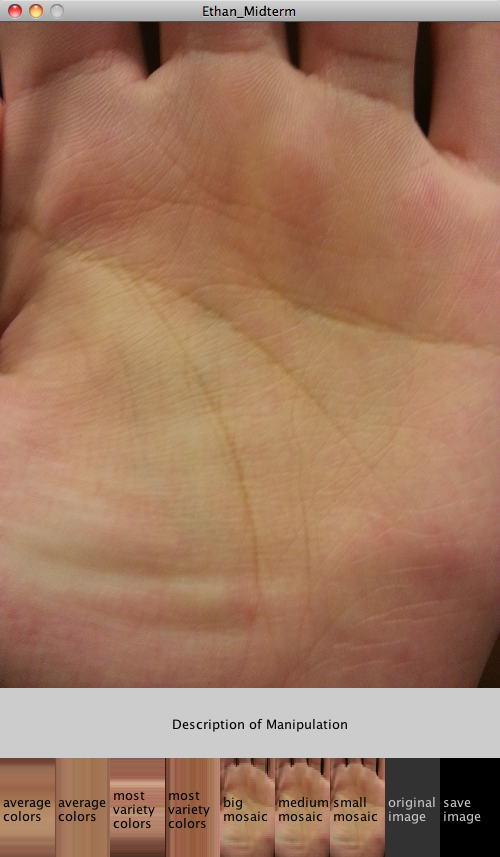
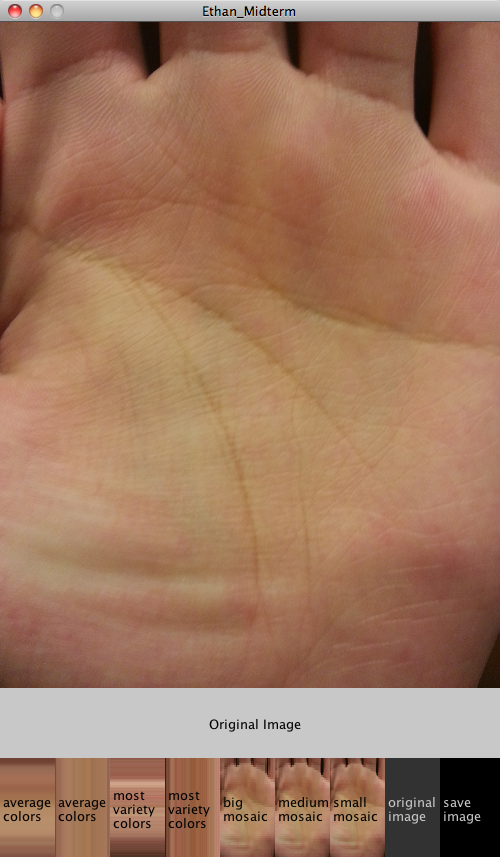
There is a menu with descriptions, the preview of each manipulation, and the save button at the bottom of the screen.
Note that the images on the display are purposely resized to fit the screen, and the dimensions of the saved images are untouched.
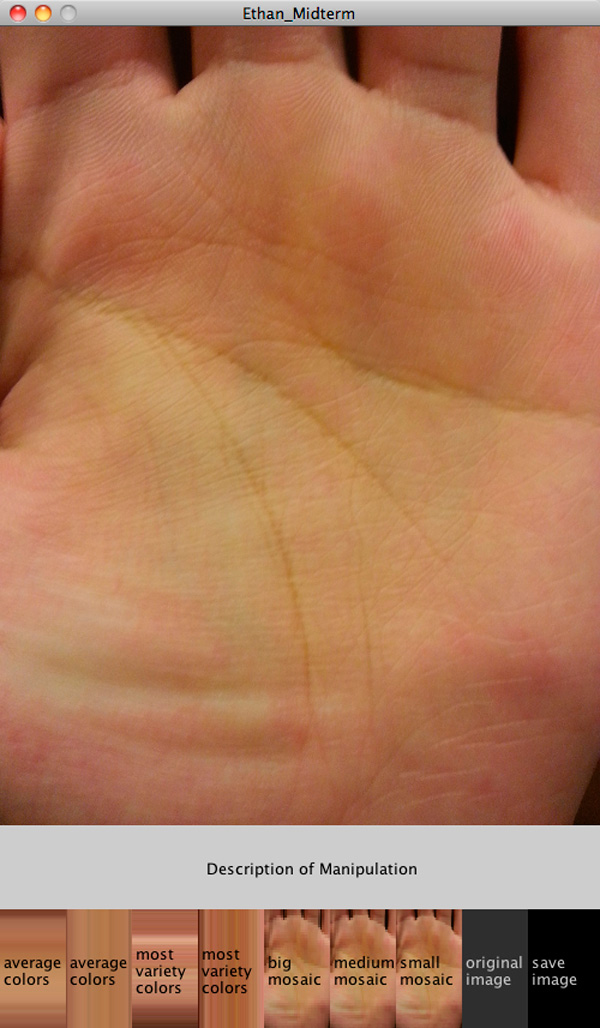
Display of the tool.
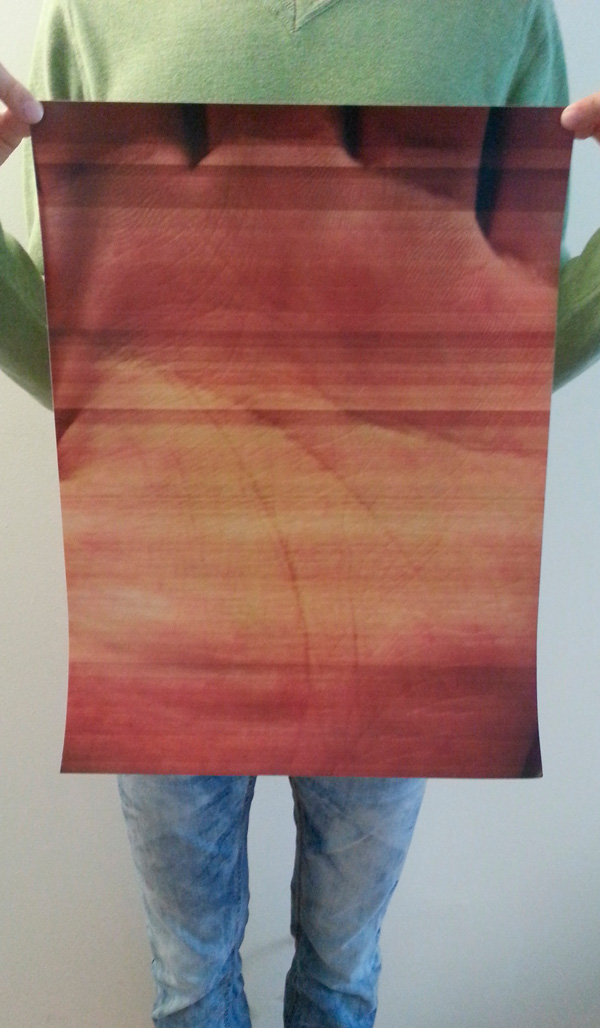
Photo of the specimen created with the manipulations
Ethan Midterm
Midterm Proposal
Week 5 Homework
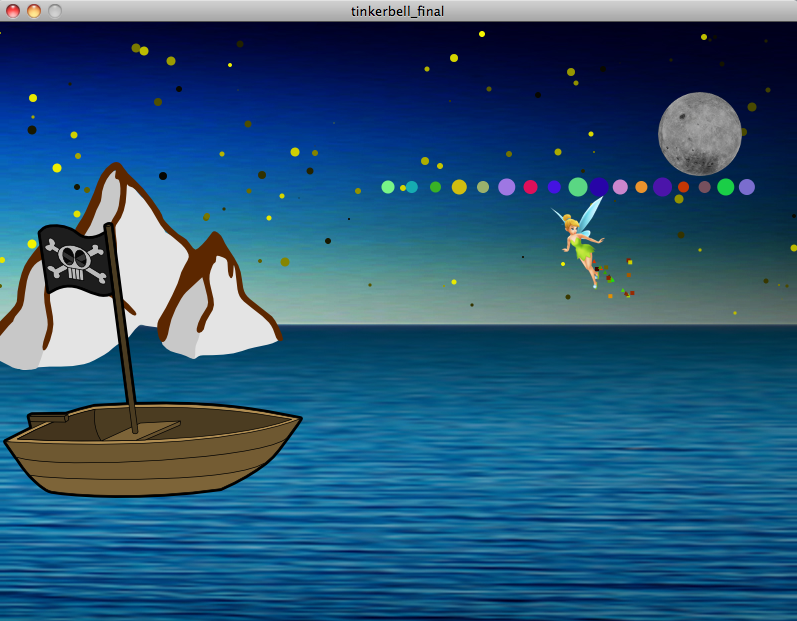
This is a scene from Peter Pan.
A moon with a random size will slide into place. The random amount of stars blink. The boat sails left to right and bobs up and down. When the boat reaches the end of the window, it flips around to sail back. Tinkerbell moves along the cursor and has little particles falling below. And every time mouse is clicked, fireworks with random amount of particles blows into the air.
zip:tinkerbell_final
PDE: tinkerbell_final
Homework 4
Trail of Gradients and Images
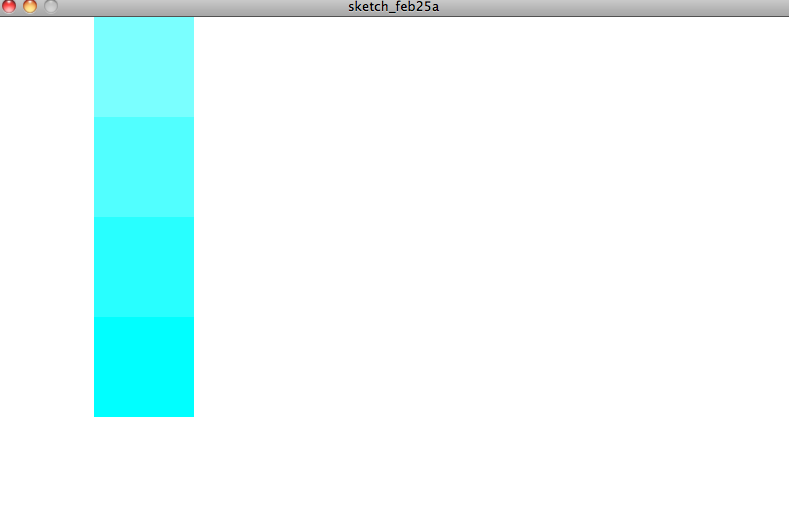
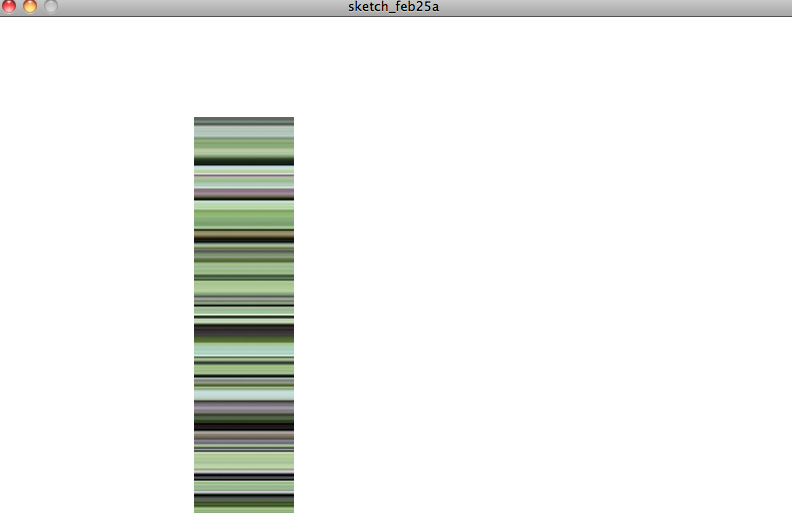
Draws a trail of images and the gradients of the respective images’ opposite colors in a column, where the mouse is pressed.



Week 3 Homework


Week 2 Homework
Week 1 Homework
Tool: http://validator.w3.org/ This is a tool used to validate HTML codes if it is web safe.
Reference: http://www.w3schools.com/ W3Schools is a reference page for web designing including HTML, CSS, Javascript, PHP, and many more.
Project: http://www.trsp.net/cow/ Cascade on Wheels is a visualization project that expresses data of vehicles uses in cities on to maps.
Maker: http://www.bluewhaleapps.com/default.asp Blue Whale is an app development company that can collaborate with an app-designer at any stage of the development.
Forum: http://stackoverflow.com/ Stack Overflow is a forum that covers information about basic programming to high-end algorithm issues. This site could later be more useful as we get into designing algorithms for the long-term project.
Inspiration: http://instant-eyedropper.com/ Just like the eyedropper tool on Photoshop, I think it would be interesting to create a device that can identify the RGB color values of a color on prints.