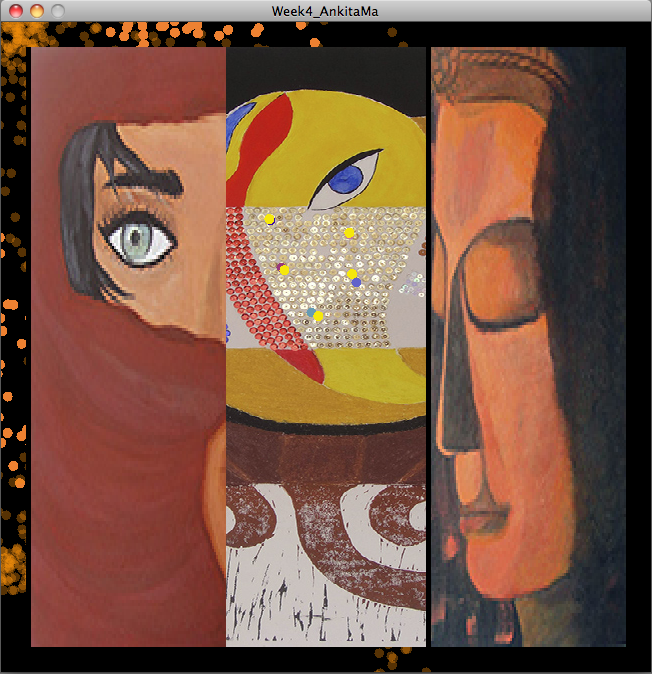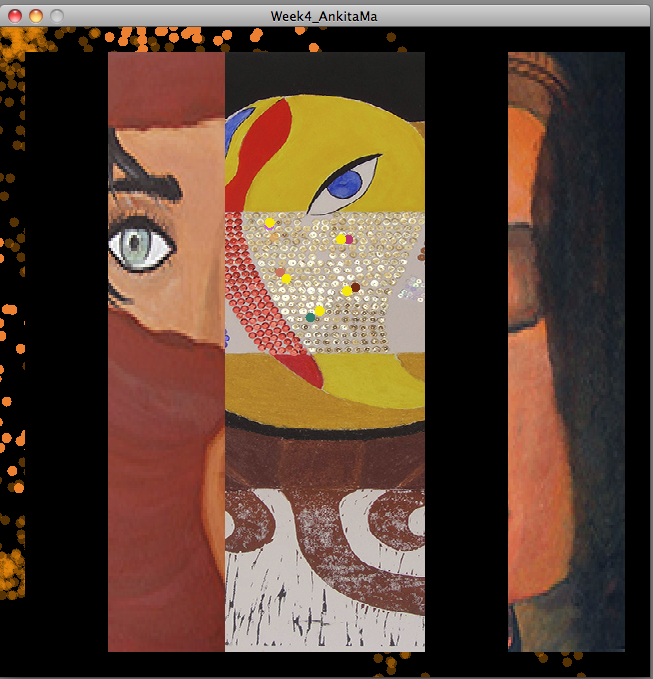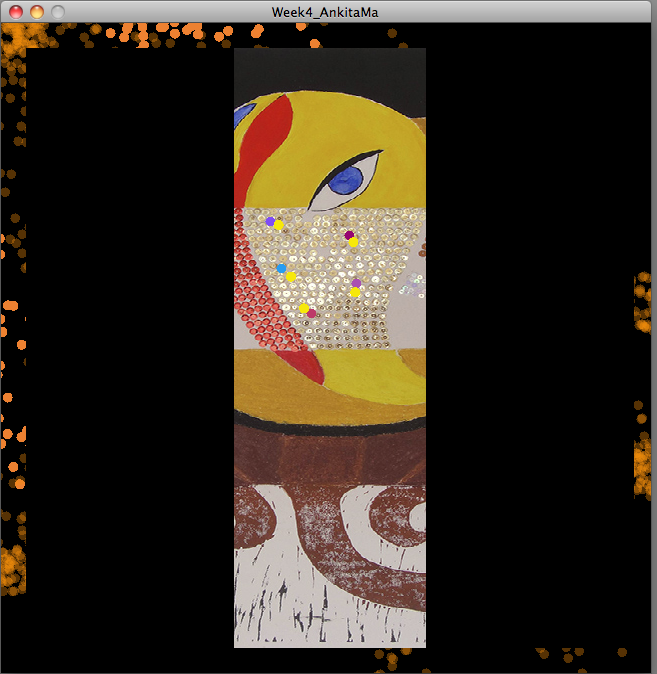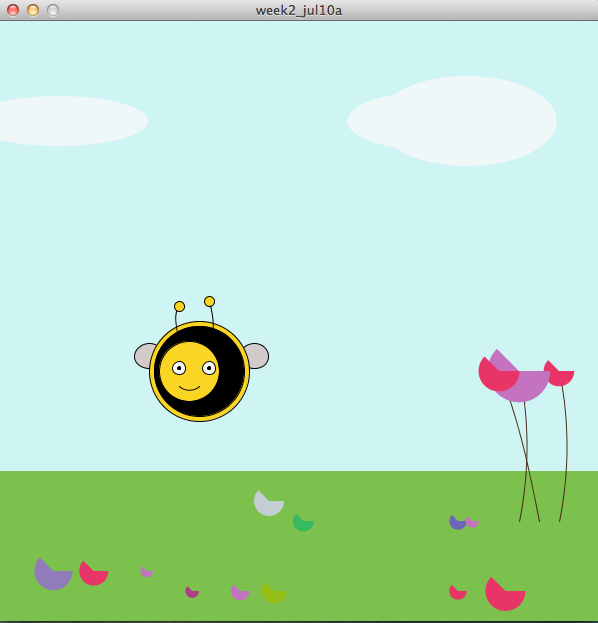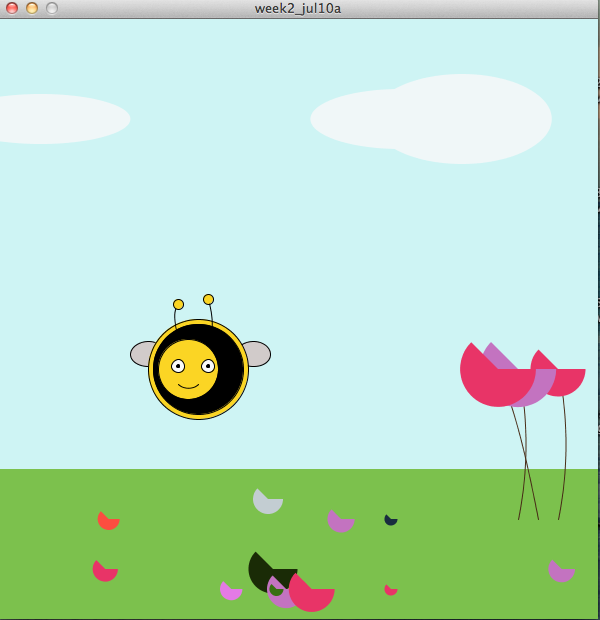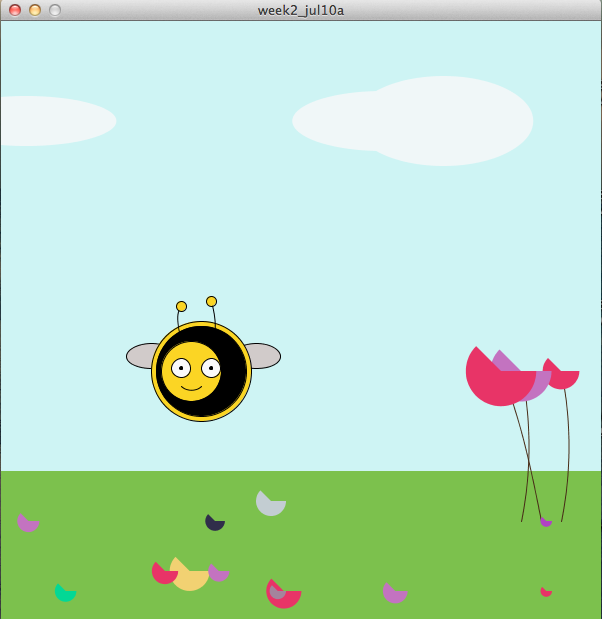
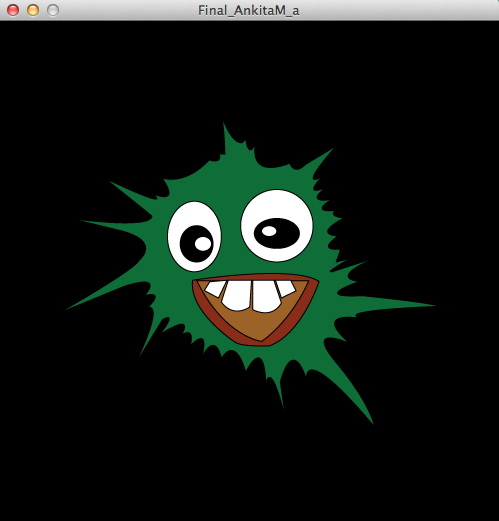
Every time you press the button, the ball ‘explodes’ into the green face. When the button isn’t pressed, the green face disappears, and the screen goes back to the original.
Code:
Every time you press the button, the ball ‘explodes’ into the green face. When the button isn’t pressed, the green face disappears, and the screen goes back to the original.
Code:
‘ HELPING SPOOF! ‘
For the midterm task, I chose to create an interactive called ‘Helping Spoof’.
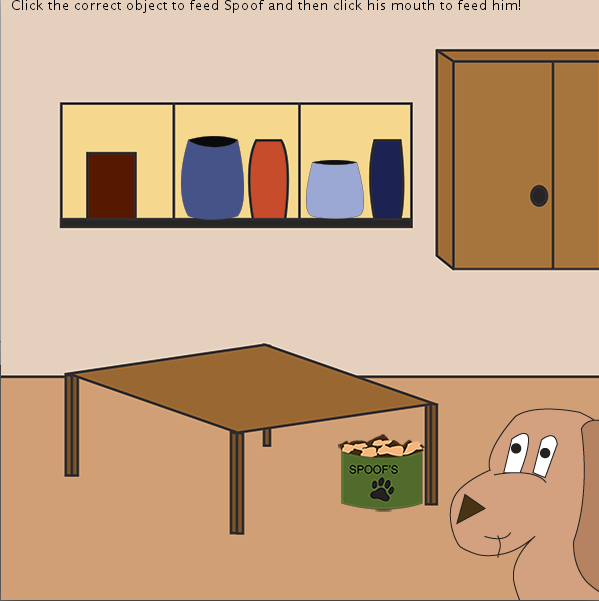
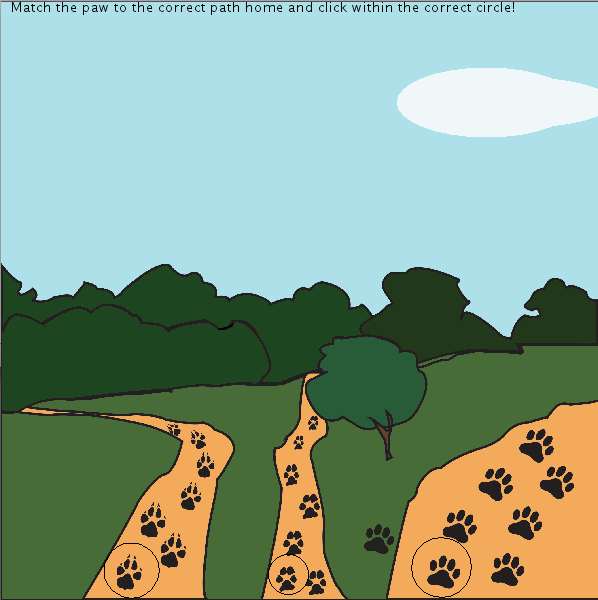
‘Helping Spoof’ acts as an interactive narrative game for children aged approximately 4 to 7 years old. The idea of creating this game was largely influenced by the interactive, ‘Vector Park’ and the television program, ‘Blues Clues.’ The game therefore revolves around a dog, being ‘Spoof’ himself, who needs the user’s help to complete certain tasks before he goes out on his daily walk.
The tasks include interactive opportunities such as, feeding Spoof, finding his collar and bone, and helping him find his way back home. The user is therefore able to interact with the character’s environment and complete the various educational tasks that emphasizes on factors such as, practicality, colour and size.
Since the game is aimed at a younger target audience, the tasks are made to be appropriate for that age group in particular. Each stage includes simple instructions telling the user what to do in order to proceed to the next stage.
The objects and illustrations on each stage were created through the use of Adobe Illustrator. These drawings were further given life through the use of Processing, which allowed the interactive capabilities in the game.
All in all the game was much like what I had hoped to achieve. The aesthetics and interactivity were well fulfilled during the creation of this game, largely allowing me to display the set of skills that we have learned in these past few weeks of Creative Computing.
Demonstration Video:
Midterm code:
I made an interactive game for children that revolves around helping ‘Spoof’ complete tasks before he goes out on his daily walk.
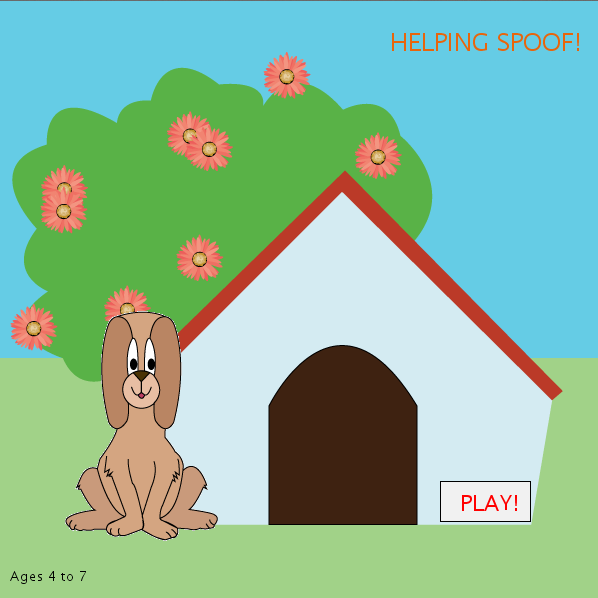
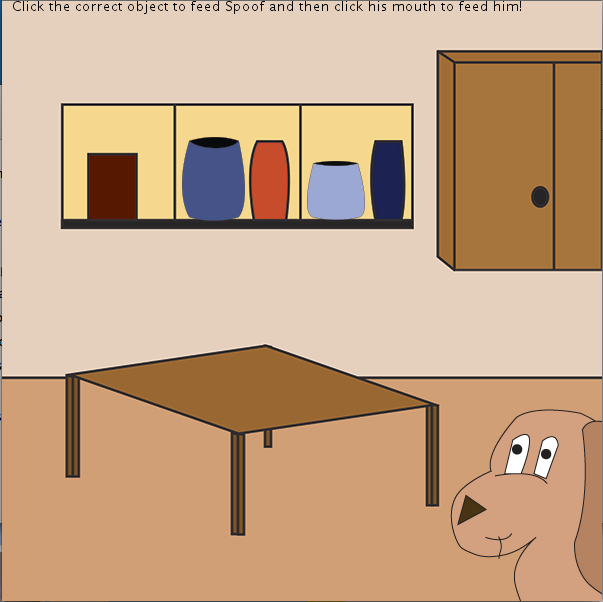
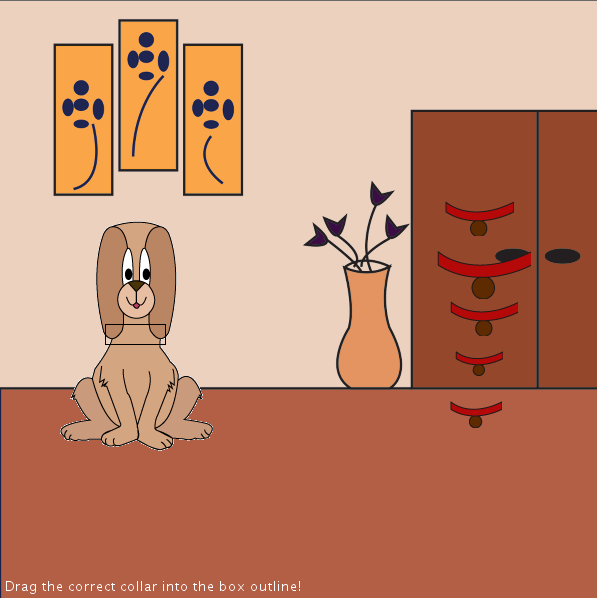
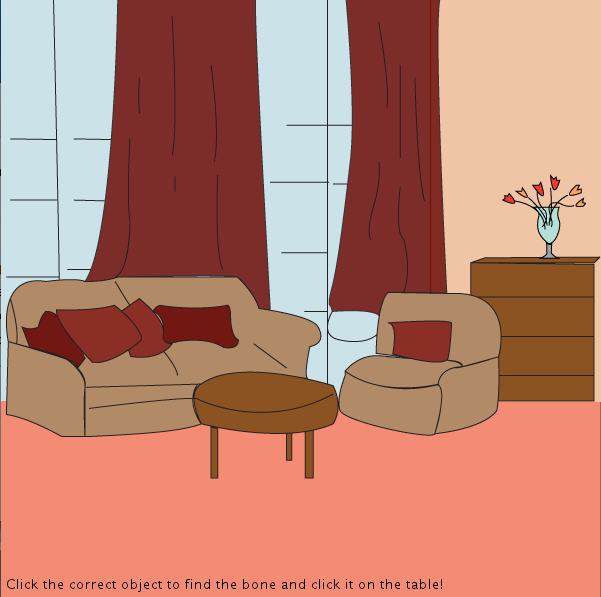
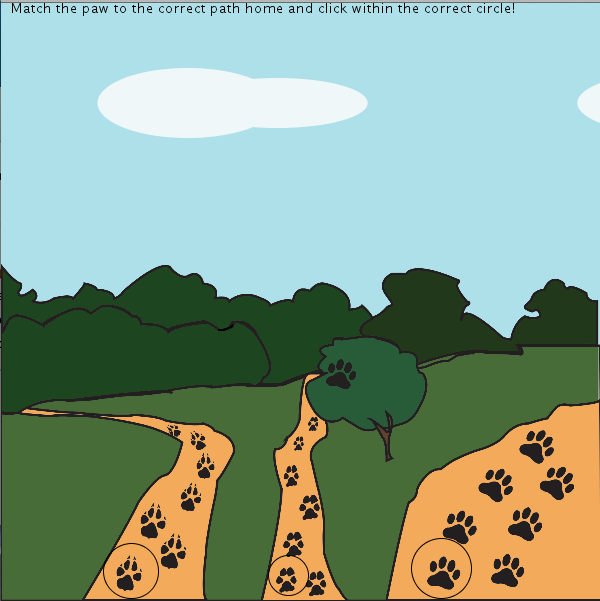
So far I’ve been working on the part I thought I would find most challenging, progressing to the next page once a certain object is clicked. I worked on it in the form of a prototype, and now I’m working on the assets that go along with it, and will then work on the rest of the interactive codes.
InDesign PDF:
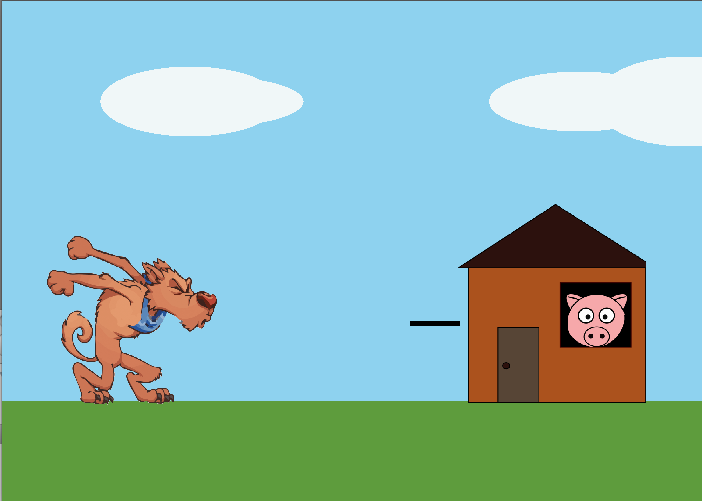
Three Little Pigs
Took me a while to figure how to get the house to disappear when I clicked on the wolf. However, I got a little help from Ethan and he helped me fix the errors in my code! 🙂