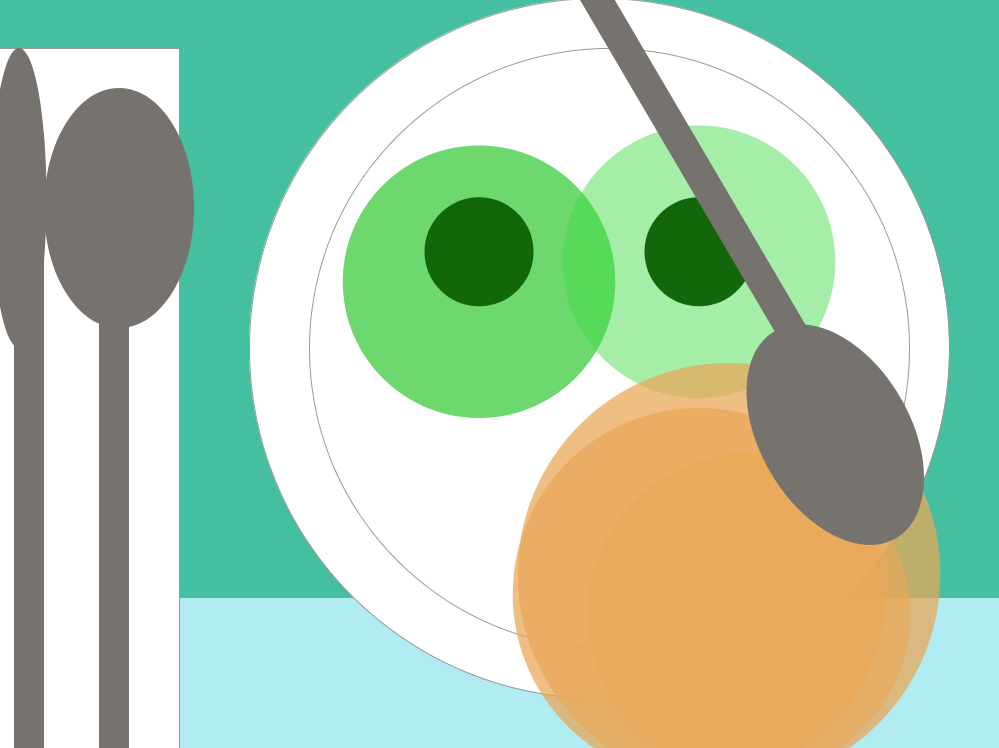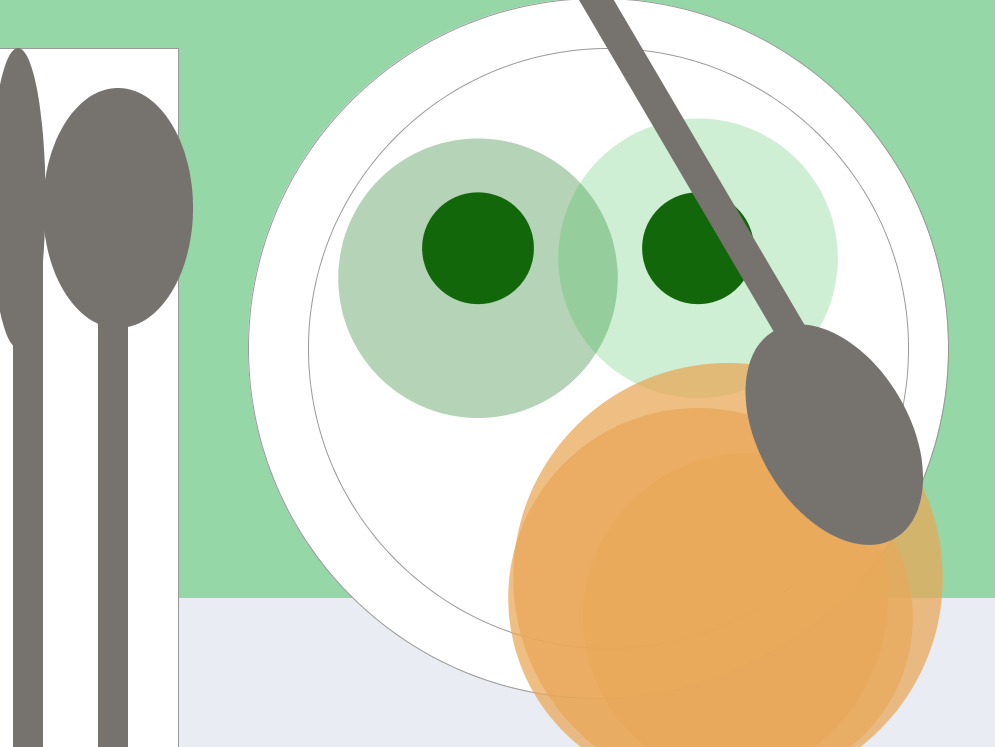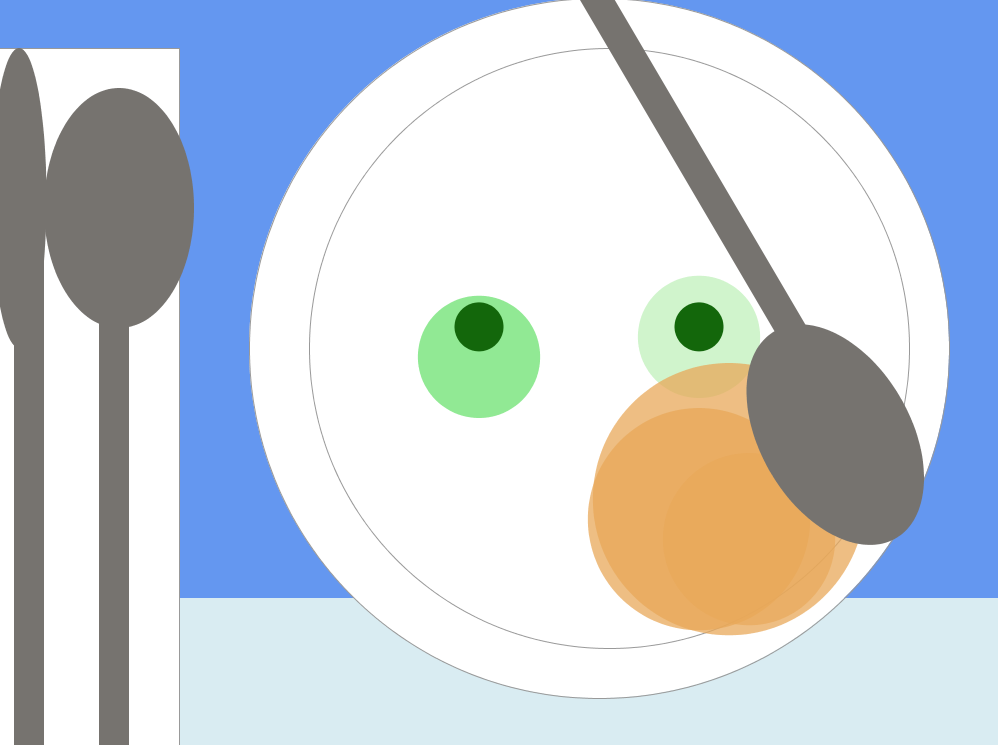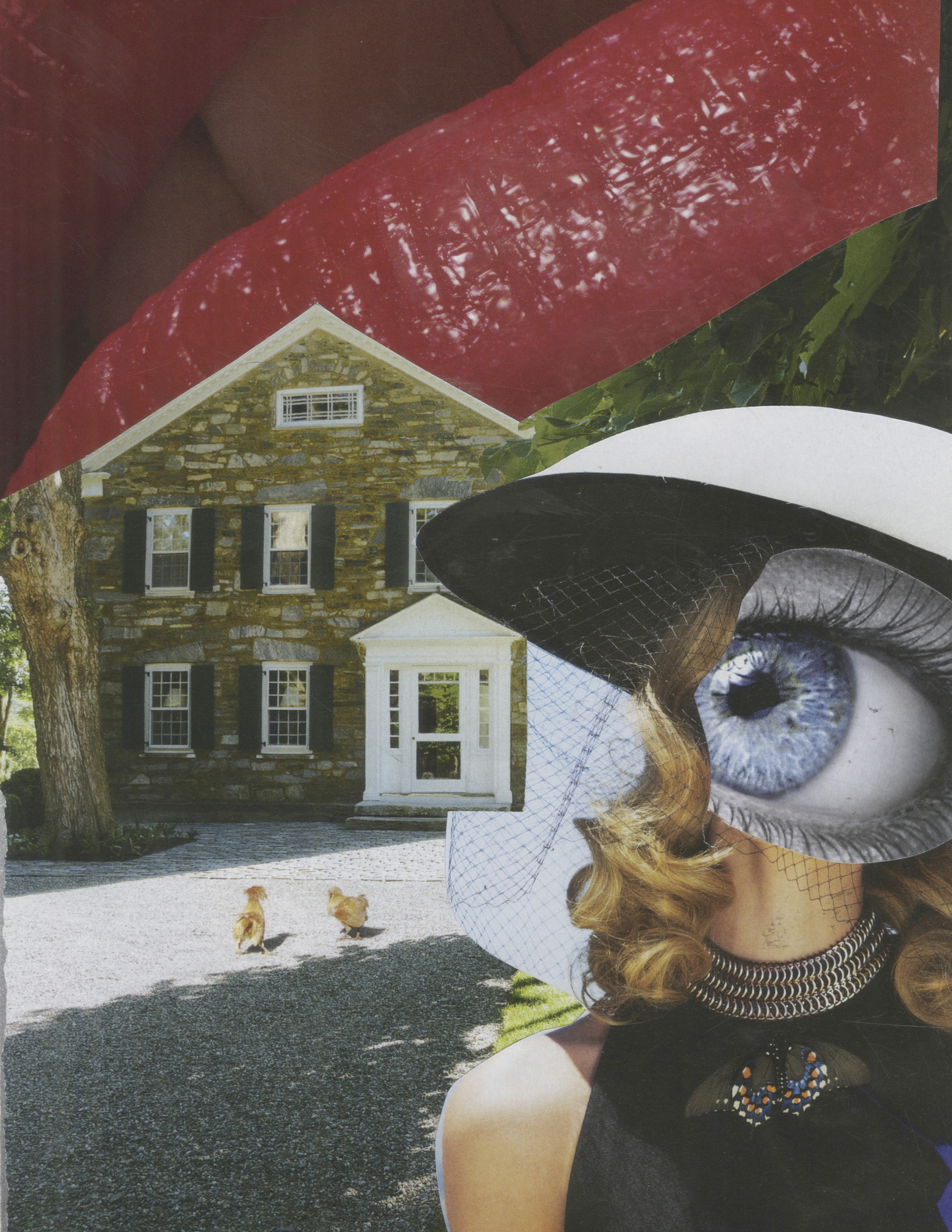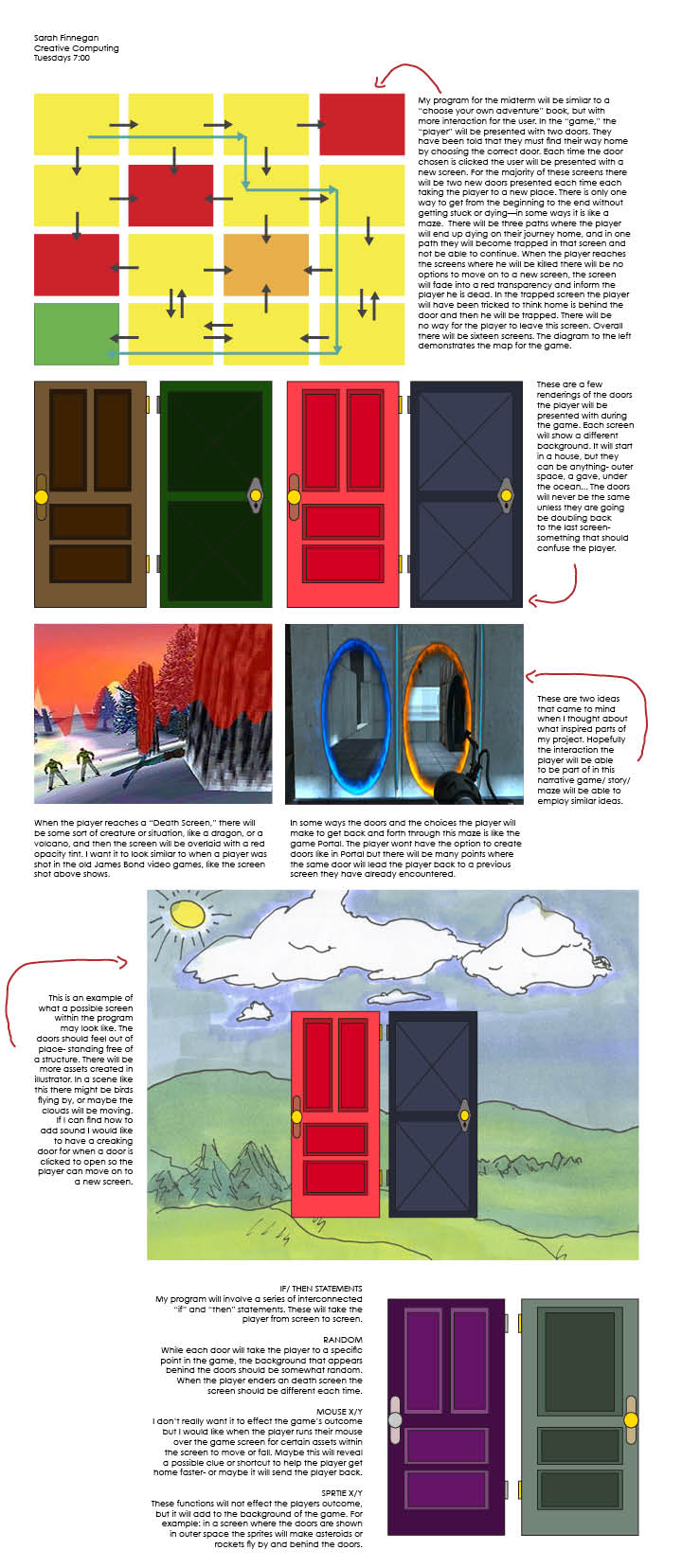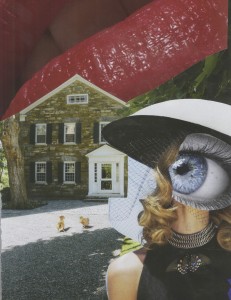
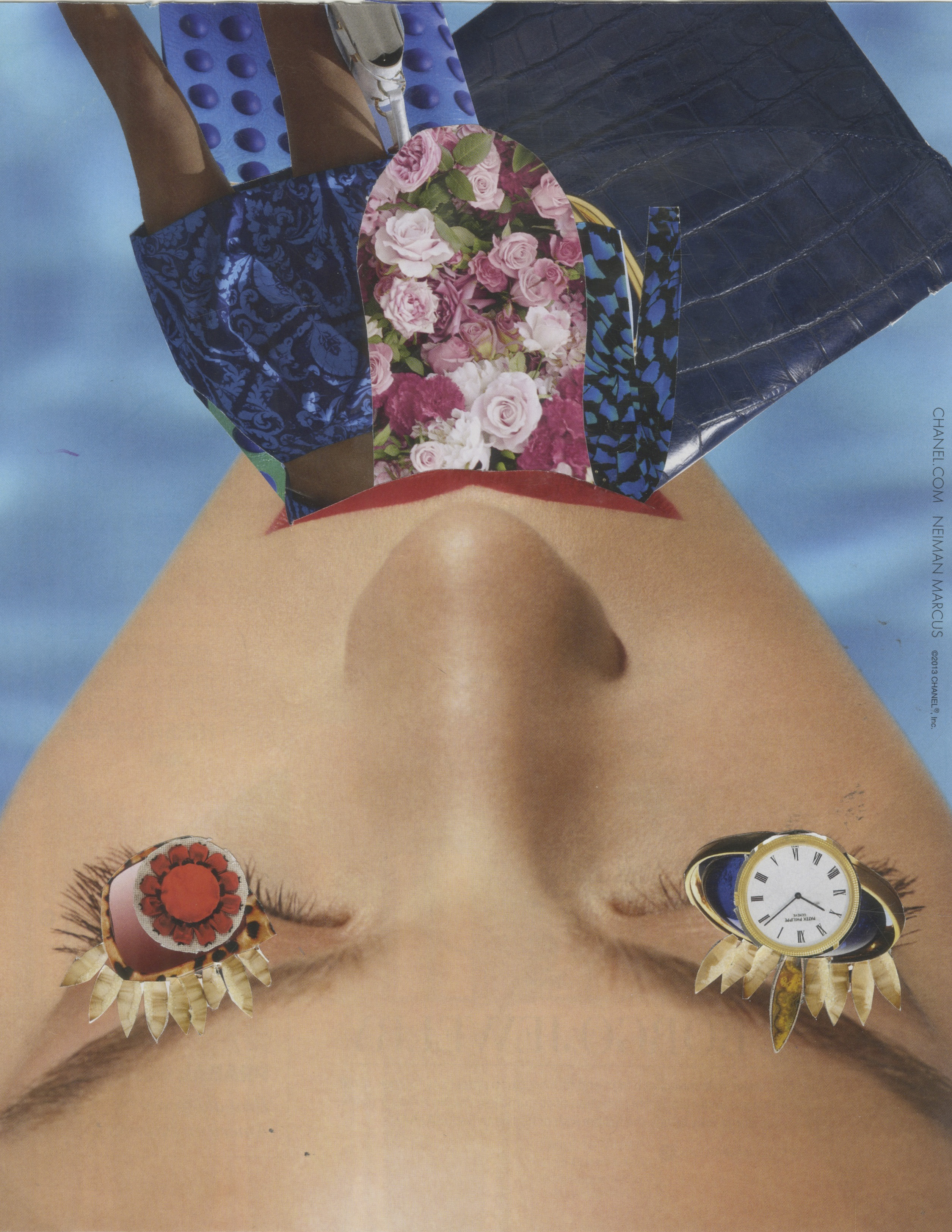
This code between Arduino and Processing will change an the collage image when he button on the bread board is clicked.
This code between Arduino and Processing will change an the collage image when he button on the bread board is clicked.
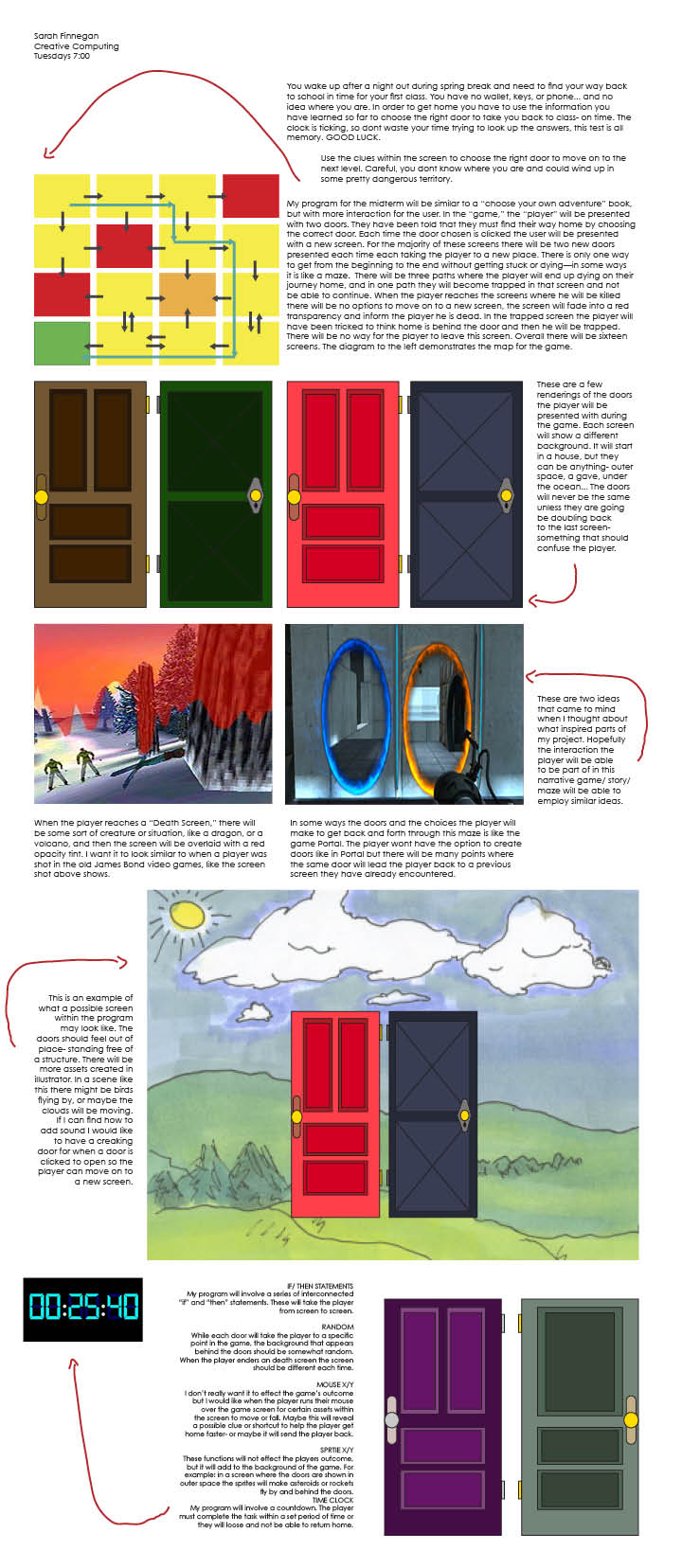
For my Creative Computing midterm I made an interactive choose your own adventure program. The user is promoted with a story about how they must get home from an unknown place they have awakened in by choosing one of two doors that are floating before them.Throughout the program the user has the possibility of encountering 16 different screens, each illustrating a different place they have been taken to on the way to their desired destination. Depending on which door the user chooses they will also have a different story. In some the user will not be able to continue on because they have chosen a door that will take them to their “death.” In this case the narrative ends and the user is told that because they chose that path they have died. Depending on which “death screen” they are shown a different story will be given. In one they are shown a field that they may or may not have been in before, but this time there is a scary man in the distance holding what seems to be a knife with blood on it. The program was inspired by the way one’s life can take a sudden drastic and unfortunate change depending on certain simple decisions. The same idea is used in the map that I made for where each choice would take you deliberately involves the user being doubled back to different points.
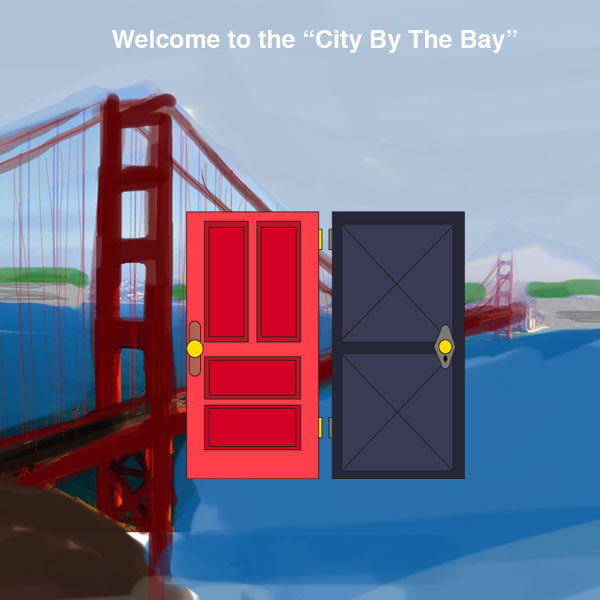
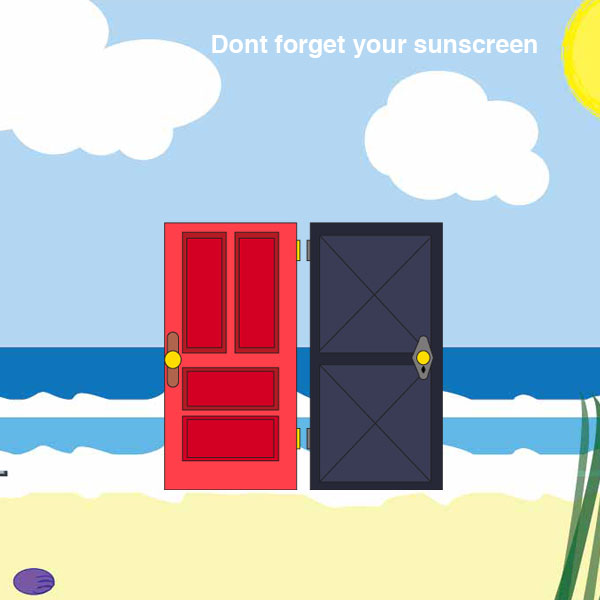
These are two examples of screens that the user would be prompted with while using the program. I used Illustrator to create each background and the doors the user chooses from. I was inspired to make the backgrounds I made because of a convoluted travel experience I had once involving some of these places.
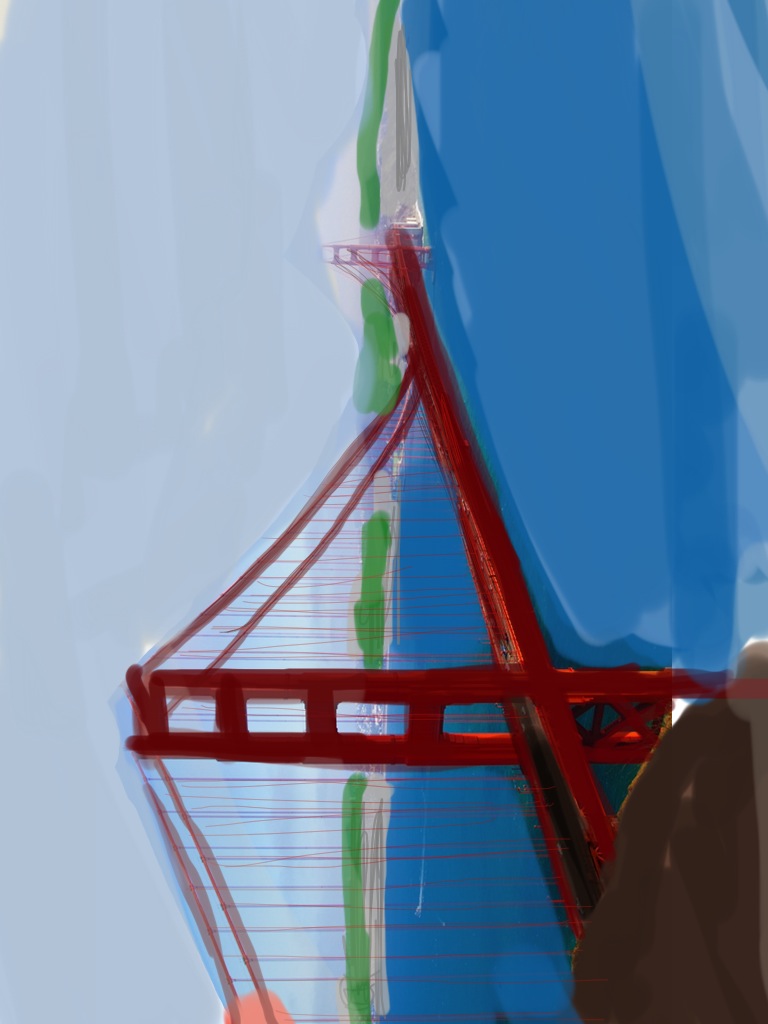
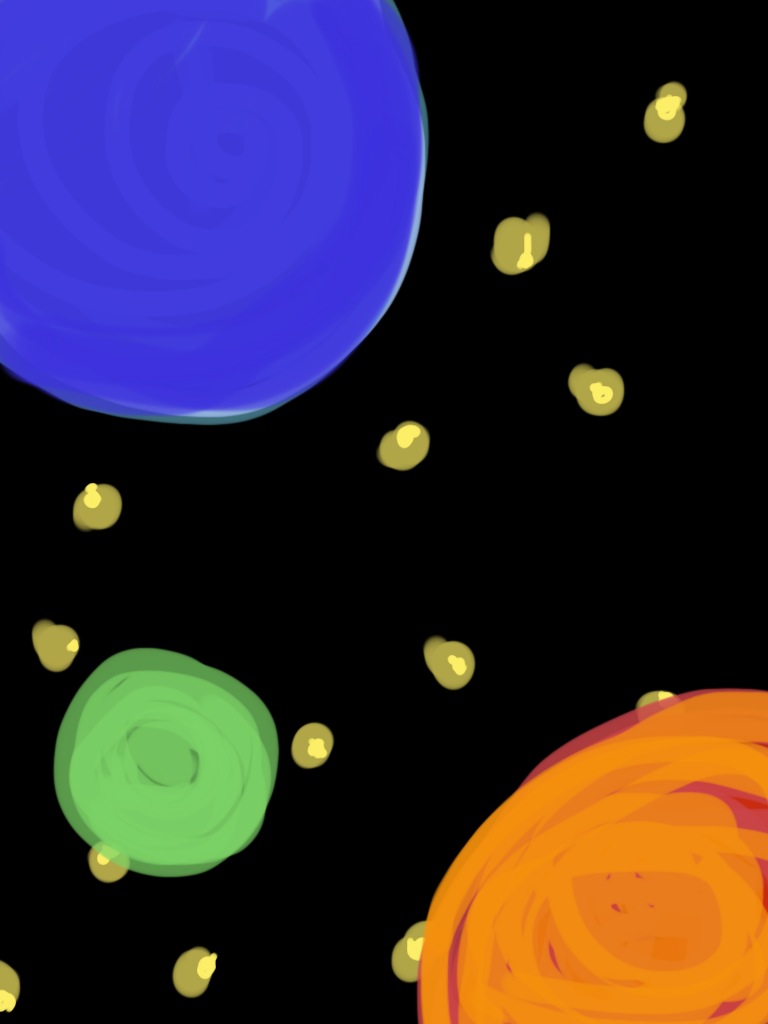
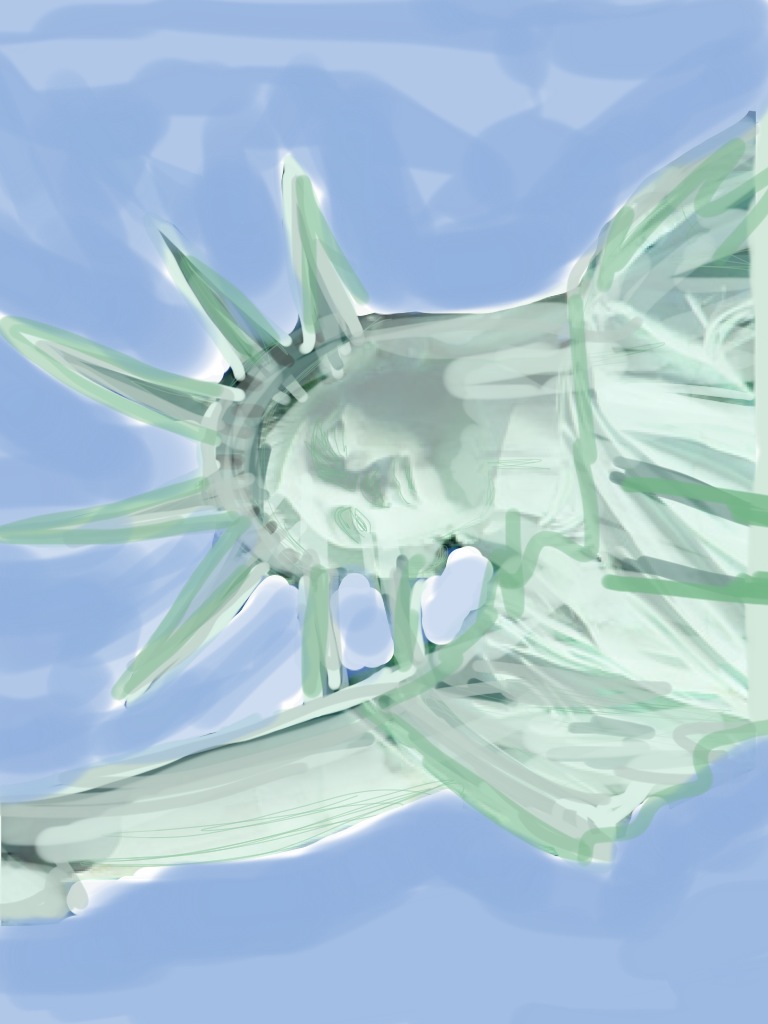
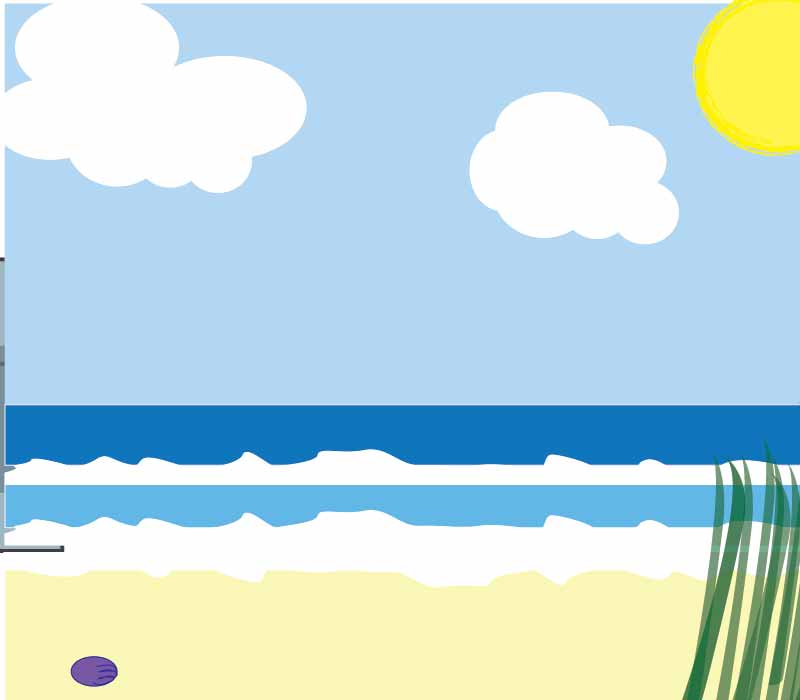
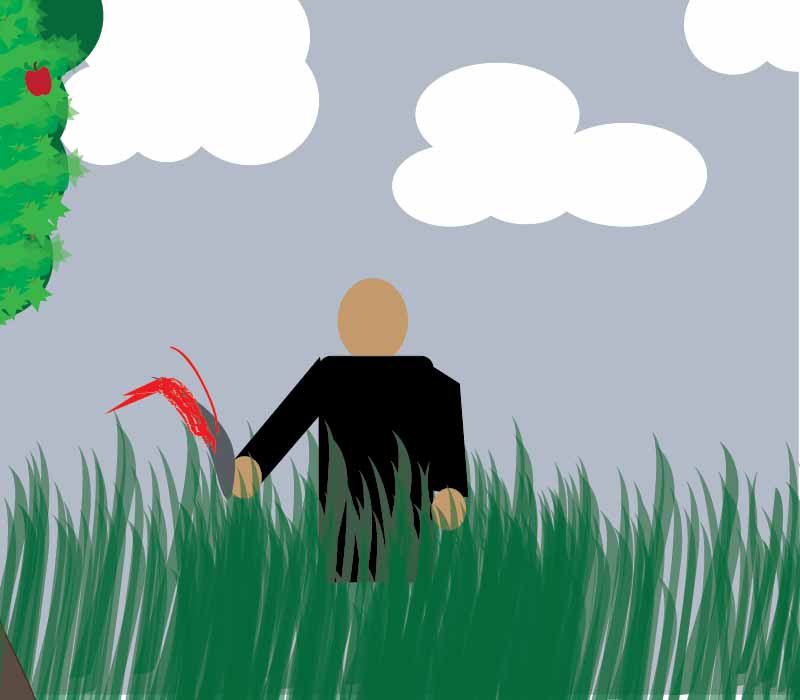
In my program the user must choose their fate by clicking on one of two floating doors on a screen. Depending on which they choose they will be transported to a different scene. I spent a lot of time on my backgrounds but it is unlikely the user will get to see them all. Here are a few of my favorites that are included in the code. In all there are 16 different scenes. This is the map for where the doors will take you.
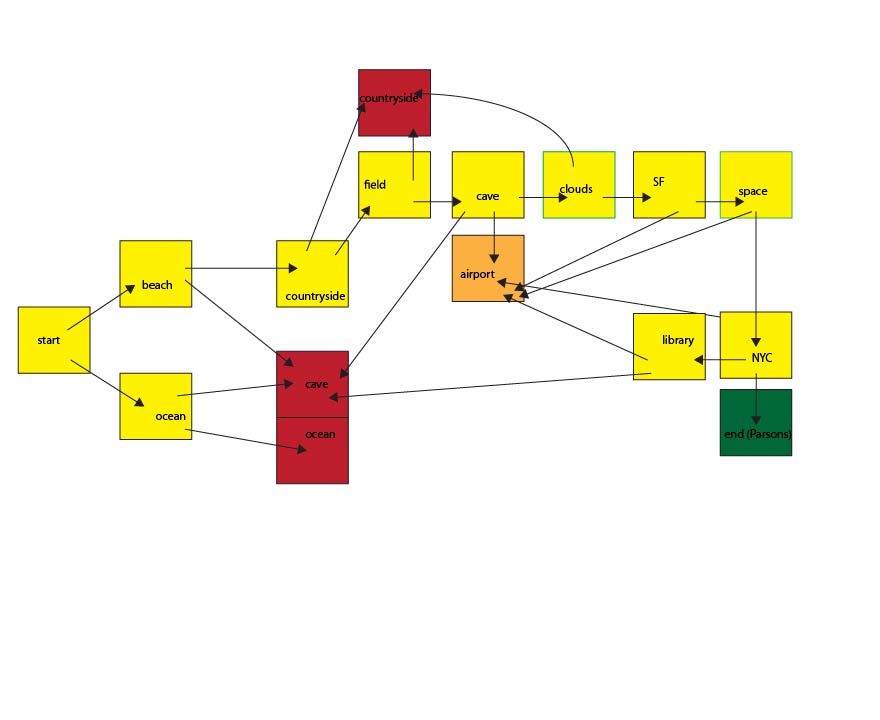
I struggled with making my code for this week becasue I wasnt sure how to have multiple screens with different content that was user generated. This was generated with Justin’s help and my classmate Ankita Menon’s.
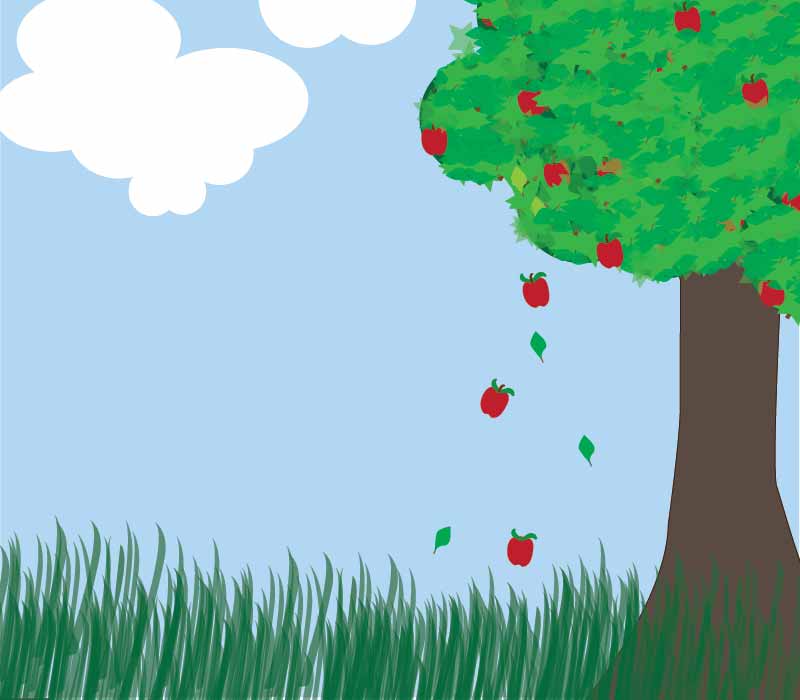
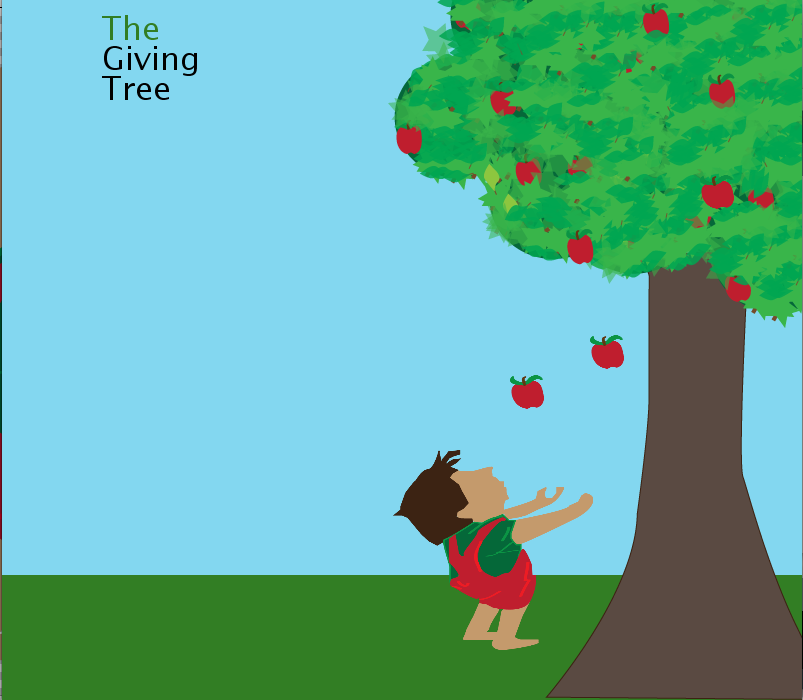
“The Giving Tree”
Apples and leaves fall from the tree at random. The boy moves to catch the apples when you move your mouse.
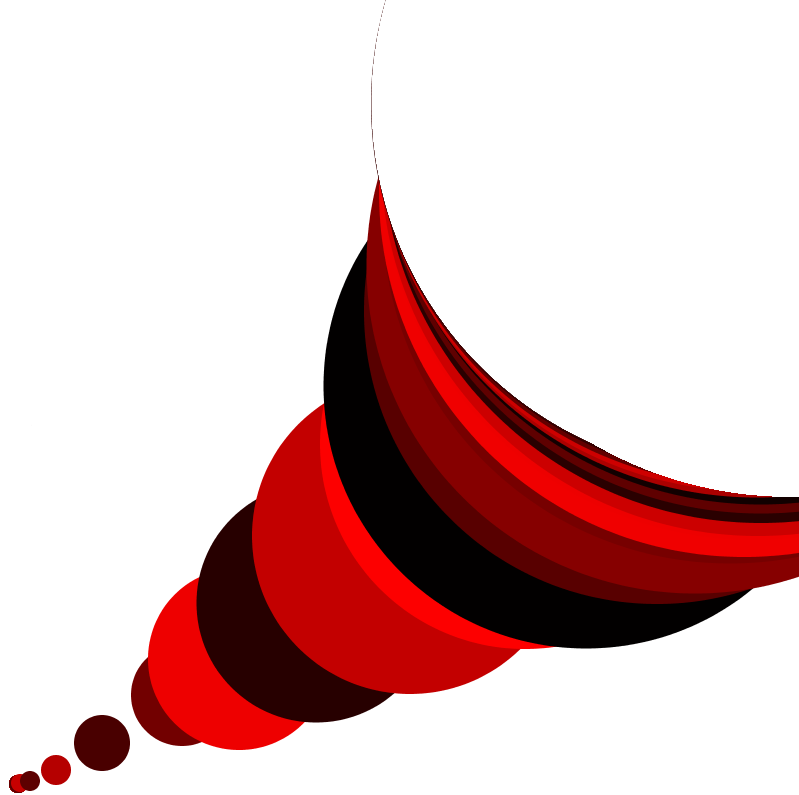 Challenge #1; I am having difficulty controlling the size limitations of the ellipse once it is created…
Figured it out.
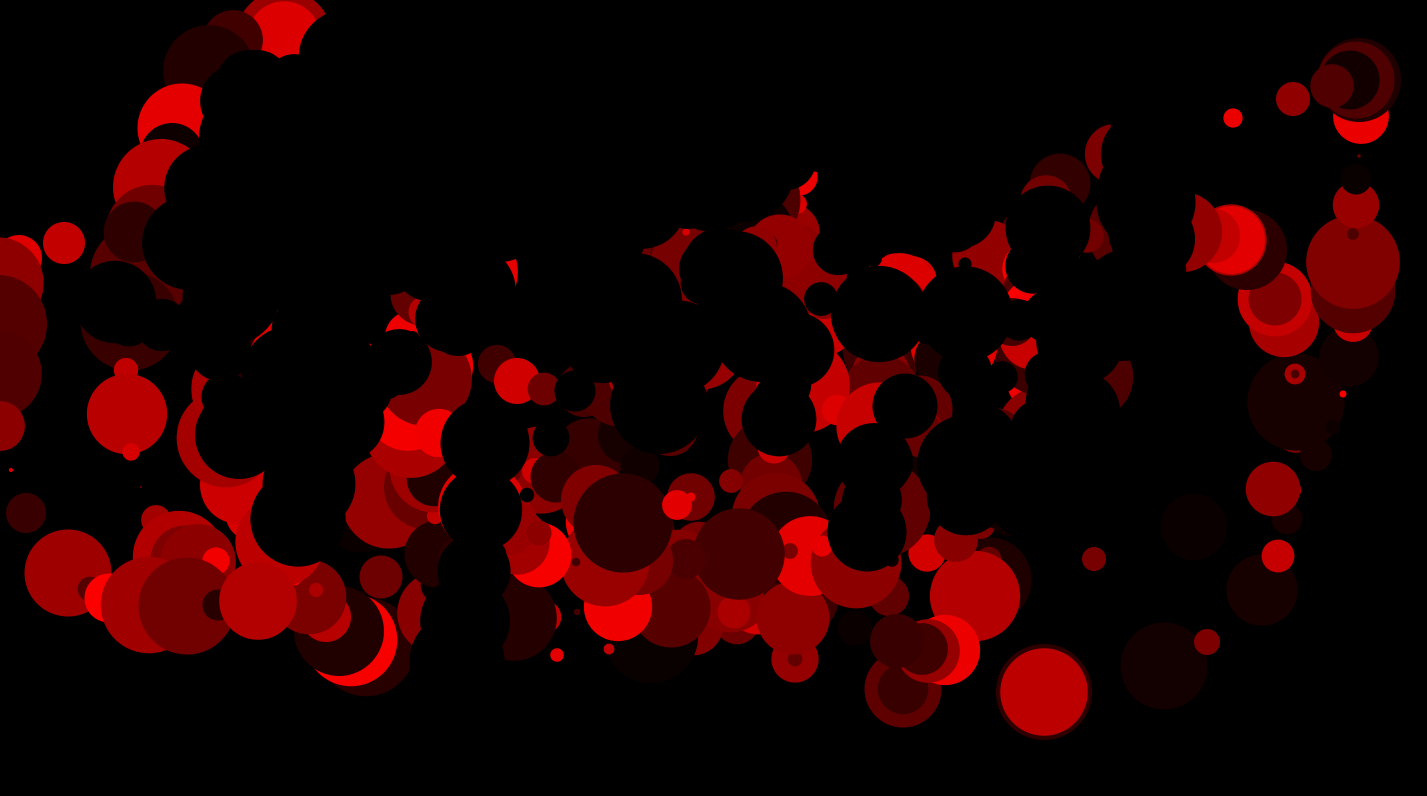

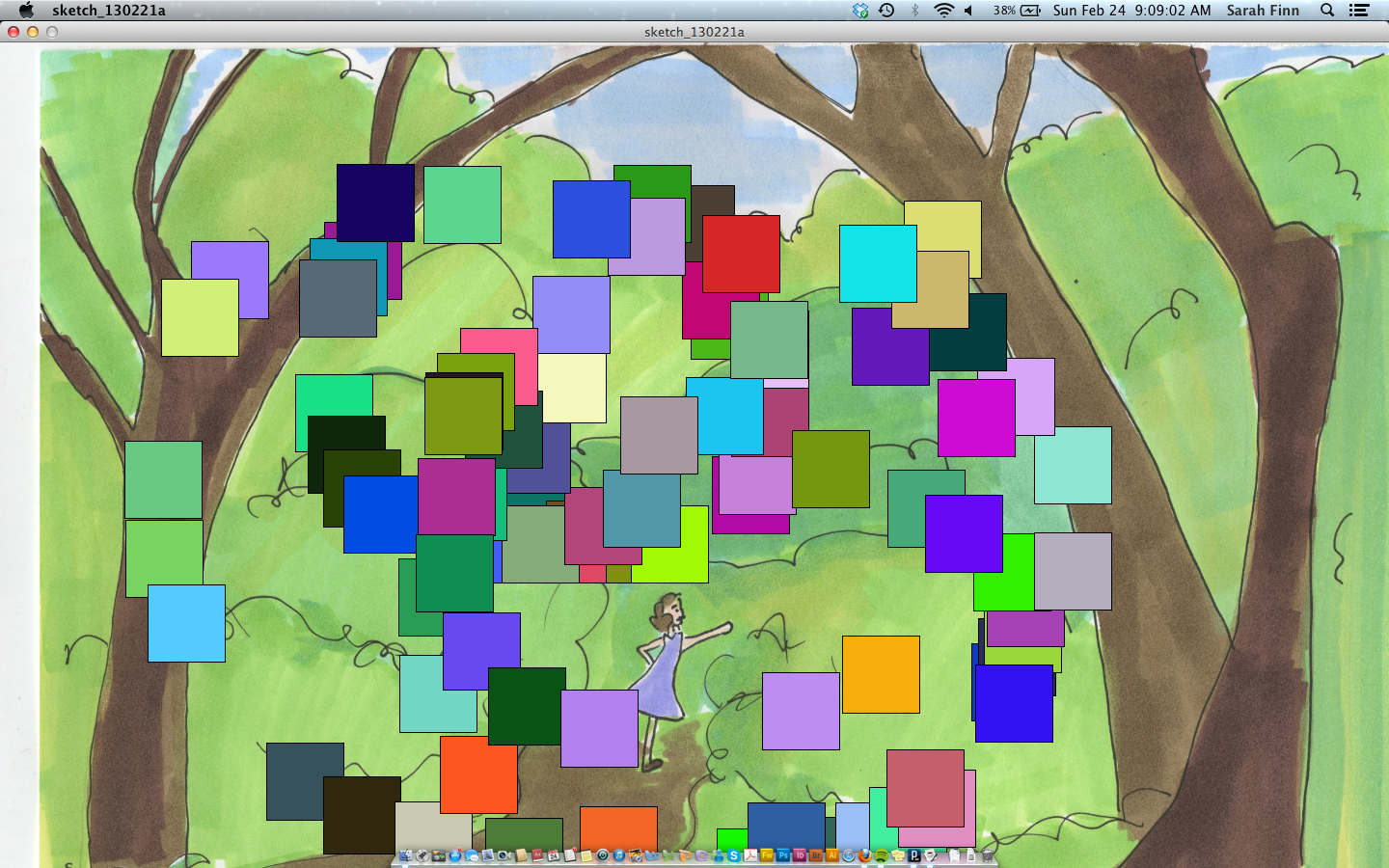
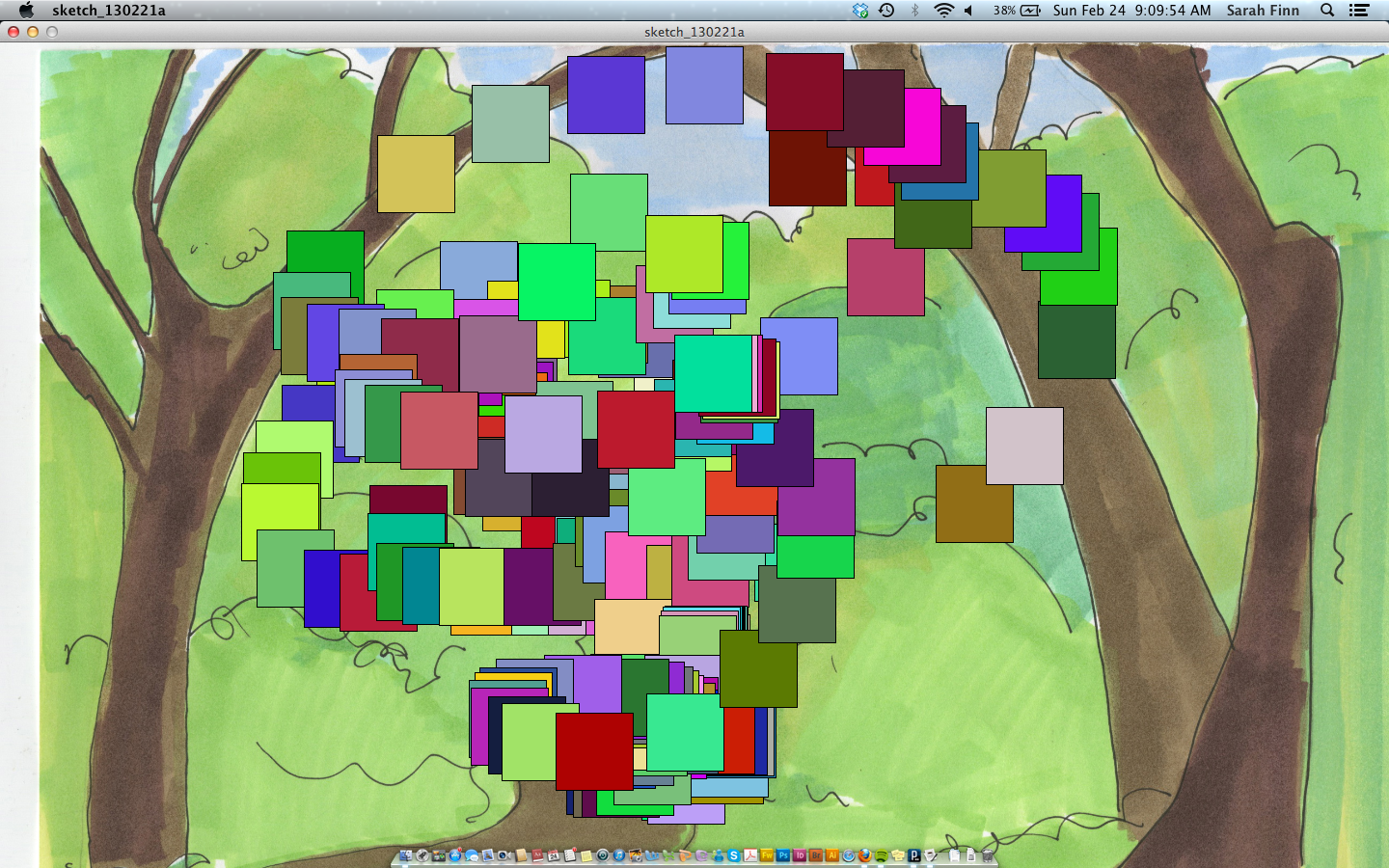
Assignment: I had trouble putting the background back behind the squares when the mouse was not being clicked. I wanted it to be more like the first challenge where when not clicked it would look like the squares were being erased and a new photo was being revealed behind it. What this code does though is when not clicked a new photo will be placed- similar to our second or third assignment where when the sketch play button was hit a new design would appear. I also had trouble with the memory, I needed to increase it to 2000 megabits.
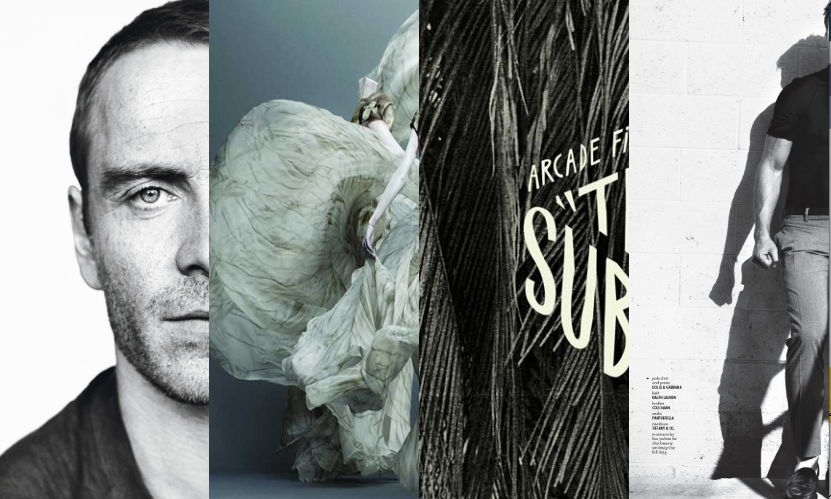
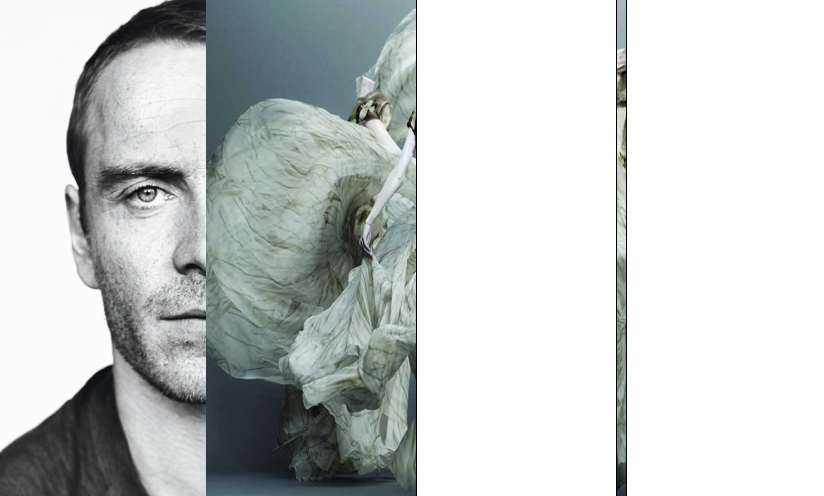
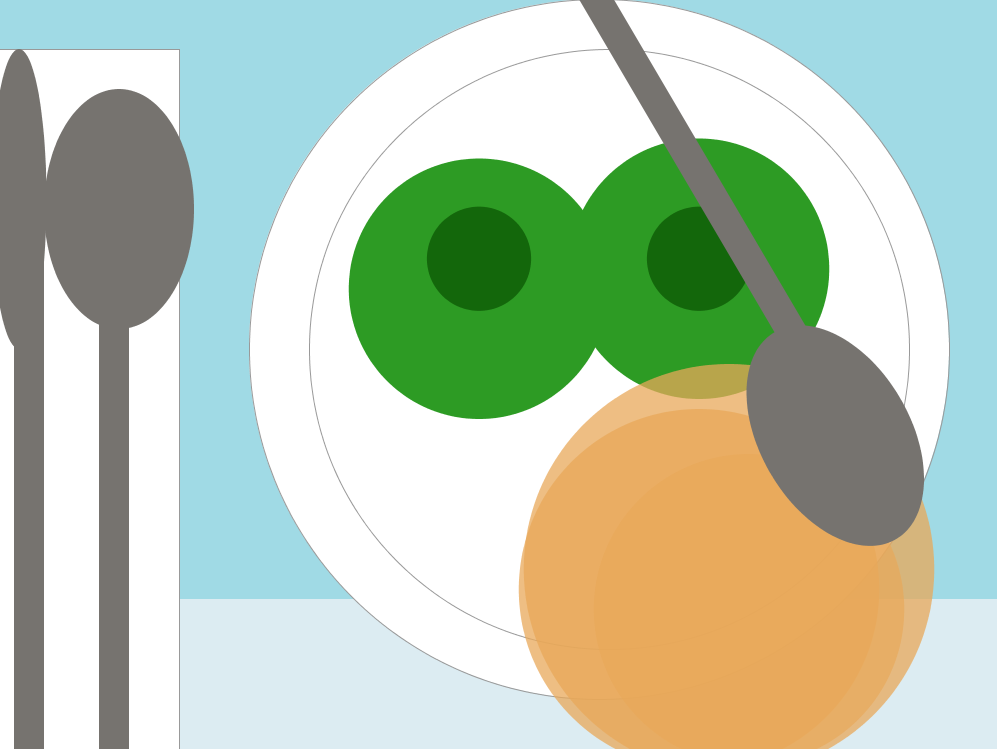
 Creates a loop with four rectangles with alternating images within said rectangles that will show up based on a percentage of the time the code is executed. sketch_130218b