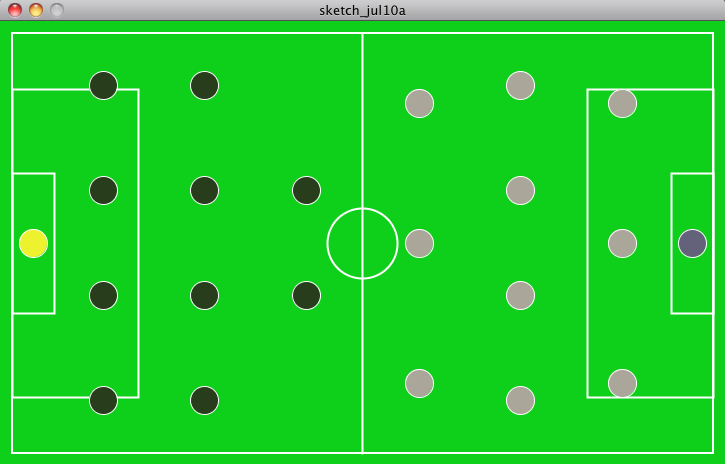
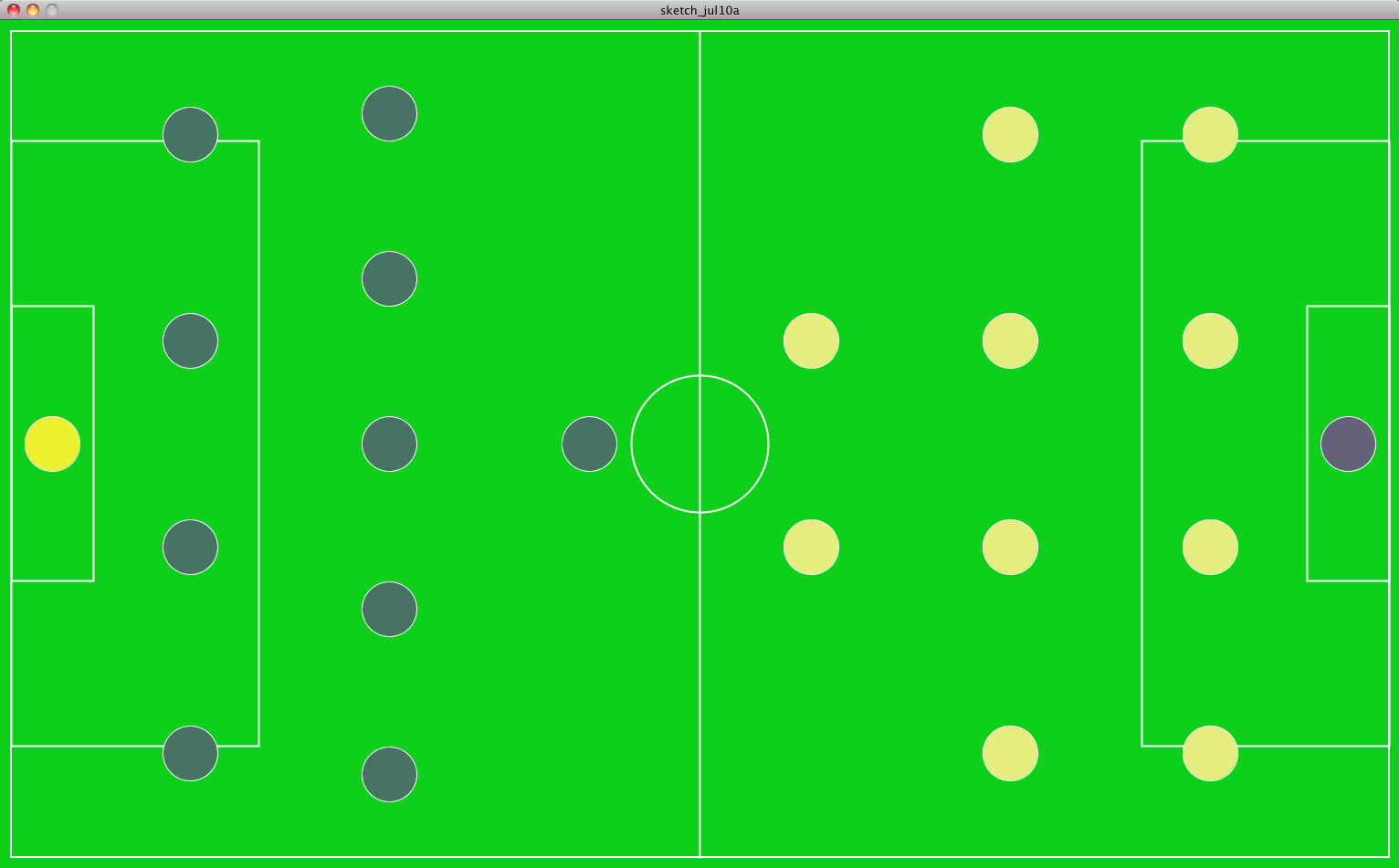
Inspiration: http://www.selectspecs.com/blog/top-9-cartoon-characters-with-glasses/
Reference: http://processing.org/learning/basics/scale.html
Forum: https://forum.processing.org/topic/pshape-error#25080000001807631
Project: http://vimeo.com/50197298
Maker:http://www.youtube.com/playlist?list=PLsEbUk8u5SpySh_gtL0ojawhHxYZ0Pfeq

Tool: https://forum.solidworks.com/servlet/JiveServlet/downloadImage/2-167200-8840/450-457/RGB.JPG
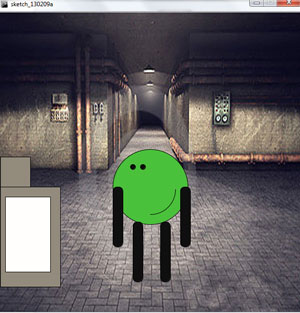
code : sketch_130209a
Tool: https://gommockingbird.com
Online tool that makes it easy for you to create, link together, preview, and share mock ups of your website or application.
Reference: http://rouletterevolver.wordpress.com/category/creative-computing/
Blog that goes into creative computing in different aspects of design
Project: http://www.youtube.com/watch?v=cZ-zXaRkfq4
Creative Computing project done by a student
Maker: http://cs4hs.media.mit.edu/
Company that holds classes and workshops on creative computing
Forum: http://www.reddit.com/r/programming/
Programming Forum
Inspiration: http://www.basquiat.com/artist.htm
My all-time favorite artist
Self:
Online Portfolio: www.shownd.com/seraphicdesigns
Tool:http://www.colorspire.com/rgb-color-wheel/
Reference:http://forum.processing.org/topic/how-to-draw-shapes-from-a-pimage
Project:http://www.carnegiemellontoday.com/article.asp?aid=318
Maker:http://www.devicenation.com/nokia-research-lab-builds-ice-touchscreen/
Forum:http://forum.tabletpcreview.com/motion-computing/
Inspiration: http://www.youtube.com/watch?v=2STTNYNF4lk
Tool: http://www.learningprocessing.com/
Reference: http://switchboardonline.co.uk/?p=66
Project: http://portfolio.andybest.net/
Maker: http://eyebeam.org/type-term/project/Physical%20Computing
Forum: http://www.openprocessing.org/
Transparent Balloons overlapping in the sky w/ a hot air balloon

Tool: http://colorschemedesigner.com/ – Website that uses the colour wheel to help generate colour palettes.
Reference: http://csillustrated.berkeley.edu/ – Maybe not so relevant to Processing, but still cute and clear.
Project: http://www.banditracer.eu/carexample/ – Park a car. I like that you can see the shapes everything is built out of.
Maker: http://www.momentfactory.com/en – A Montreal based company that works in the field of interaction design for big shows (last year’s Super Bowl, Bon Jovi’s tour) and smaller more helpful things (work for Montreal’s history museum).
Forum: http://code.google.com/p/processing/issues/list – Google’s handy forum/wiki for Processing.
Inspiration: http://en.wikipedia.org/wiki/Choose_Your_Own_Adventure – It would be an illustrated digital choose your own adventure.
Code: Assignment1
My cat in front of the view out my bedroom window in Montreal.

Tool: Ableton- A music production program.
Reference: Code Academy
Project: http://www.luxhelsinki.fi/en/artists-and-installations#cosmogole
Maker: http://www.janimattisalo.com/portfolio/
Forum: http://forums.devshed.com/beginner-programming-16/
Inspiration: http://www.youtube.com/dillonfrancisvideos
Tool: http://www.imcreator.com/ –helps to create websites
Reference: http://www.physics.drexel.edu/~ccruz/javascript/reference.html -java reference page.
Forum: http://www.websitebabble.com/ – Website forum.
Inspiration: www.deviantart.com
Project: http://blogs.computerworld.com/ Blog that follows the trends of computing and programs.
Maker: http://www.appliedart.com/interactive/
Homework Code: homework_ankitaM
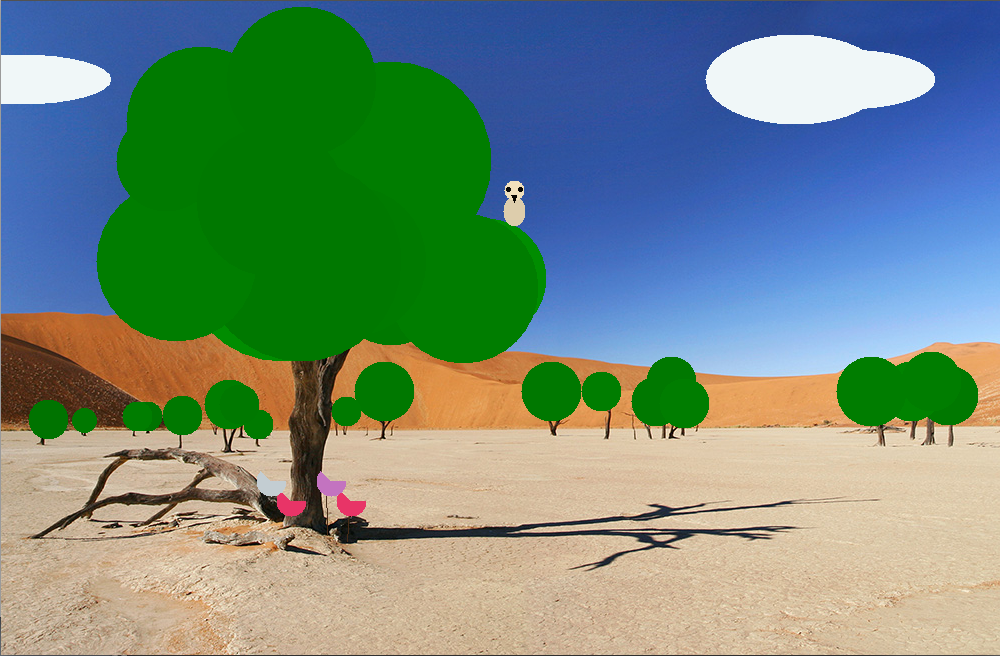
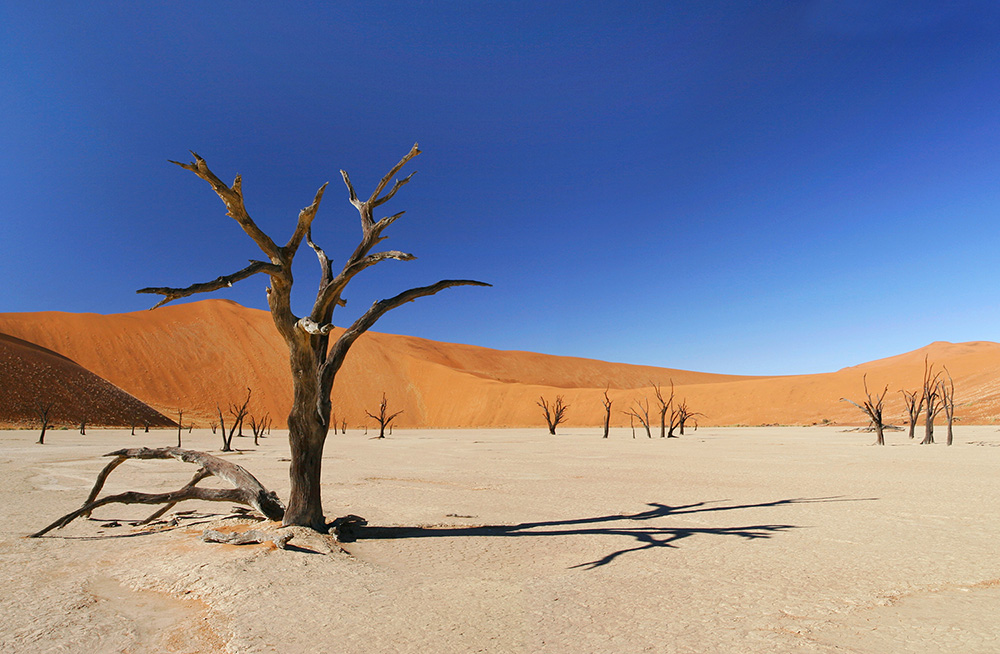
Original image:
Tool:http://documentation.apple.com/en/motion/usermanual/index.html#chapter=C%26section=14%26tasks=true– This website has countless amount of tutorials, guides, and step by step, how to?, Specifically for apple owners.
Reference:http://justcreative.com/ I really like this website, it provides only but the best websites to do whatever you desire, from creating, to the best apps out there, graphic inspiration and tutorials.
Project: http://taggalaxy.de/ – This websites’ interactive options are awesome, really helps view other locations, photos, a great site to enjoy photos. And have fun doing it.
Maker: http://interoccupy.net/occupysandy/ – During the disaster OcuppySandy.com was really helpful, many people didn’t know where to go and volunteer this website, tell you where exactly help is needed. I’ve been to a couple of their events.
Forum: http://www.gigablast.com/ – very similar to ask.com, any question you may have trouble finding the answer to, great website to find your answer, very simple to use.

Inspiration